What Is an E-Marker Chip and Why It Matters in Cables
Two USB-C cables can look identical and differ by a chip the size of a grain of sand. The e-marker decides whether a cable carries 60W or 240W, and it is the single most important thing to verify in cable QC. This guide explains how it works and how to check it before money moves.
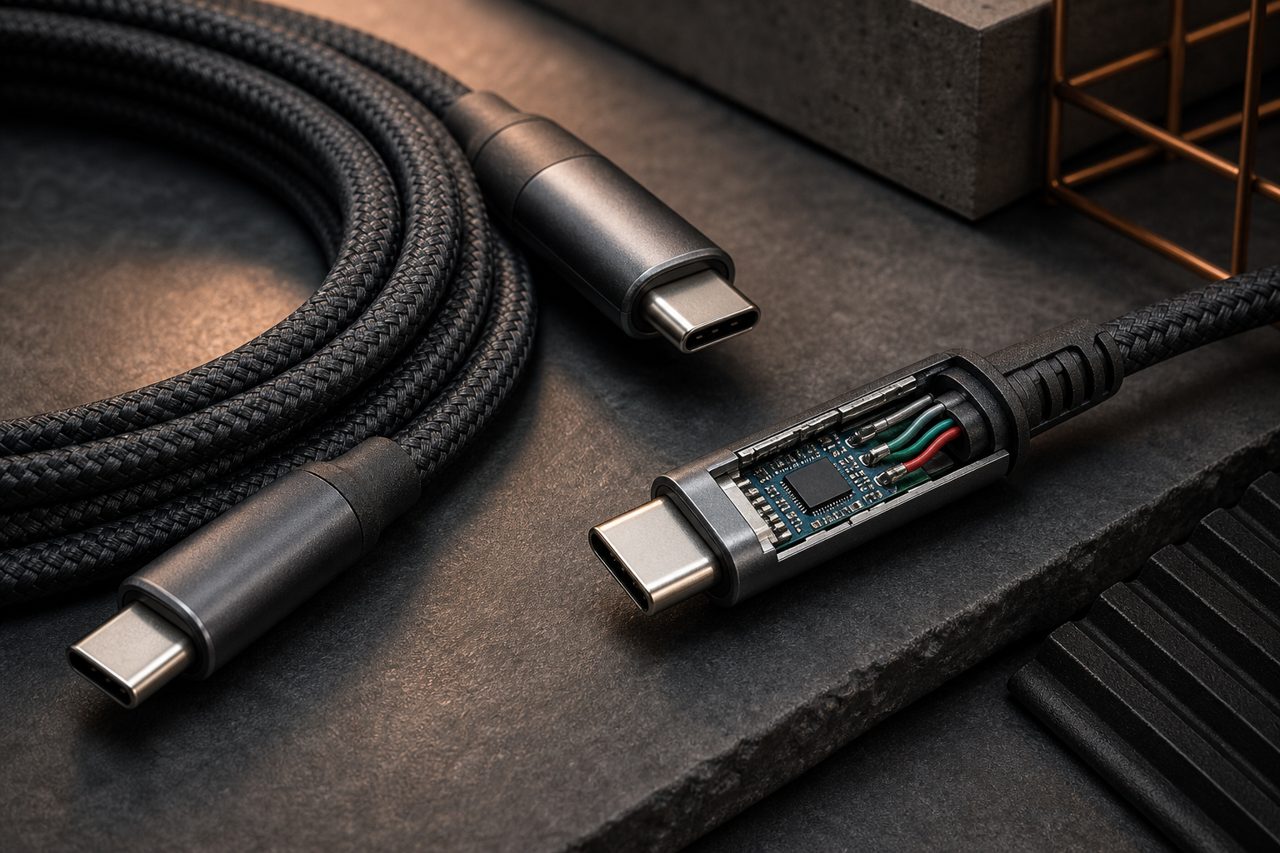
In a category full of invisible specifications, the e-marker is the most consequential one. It sits inside a connector smaller than a fingernail, costs cents at the factory, and yet decides whether a laptop charges at full speed or crawls, whether a 240W claim is real or printed fiction, and whether a docking setup negotiates its data rate at all. Buyers who cannot verify an e-marker cannot actually verify a cable, which is why this component deserves its own article.
What the e-marker actually does
USB-C is a negotiated standard: before a device pushes power or data, the two ends talk over a dedicated pin called the configuration channel, or CC line. When a cable contains an e-marker, that chip joins the conversation. It answers the device's question of what the cable between them can do: maximum current (3A or 5A), whether it supports the Extended Power Range used for 240W charging, its data speed class, even its length and manufacturer.
The mental model that works for buyers is a passport. The cable's copper and connectors are the traveler; the e-marker is the document that states what the traveler is cleared to do. A device will not grant 5A or EPR to a cable whose passport does not claim them, and it lowers its offer to what the document supports. The system is elegant, and it also concentrates an entire cable's value into one component that no photo can verify.
The wattage classes this controls are covered in the cable power ratings guide.
The chip entered the standard as USB-C gained options that plain copper could not advertise by itself: currents above 3A, then voltage tiers beyond 20V, then multi-gigabit data classes. Each time the ecosystem added a capability, the marker became the place where that capability is declared, which is why a component few customers have heard of now gates the headline specs of the category.
When a cable needs one
The requirement threshold is current, not wattage:
- 3A and below: no marker needed. Typical 60W charging lives here, and countless basic cables ship without a chip correctly.
- Above 3A, meaning the 5A class: marker required. The 100W tier, the workhorse of laptop desks, must contain an e-marker announcing 5A capability.
- EPR, the 240W class: marker required with EPR support. The chip must explicitly advertise Extended Power Range, or the device will not raise voltage into the EPR steps.
- 40Gb/s data classes: marker used to declare speed. High-speed full-featured cables carry markers so devices can identify their data capability.
The failure mode follows directly from the mechanism: put a 3A cable, or a 5A cable with a missing or mis-programmed marker, into a 100W chain and the device correctly refuses to raise the current. The customer sees slow charging; the listing promised fast; a return is born. The cable is usually not broken. It is misrepresented.
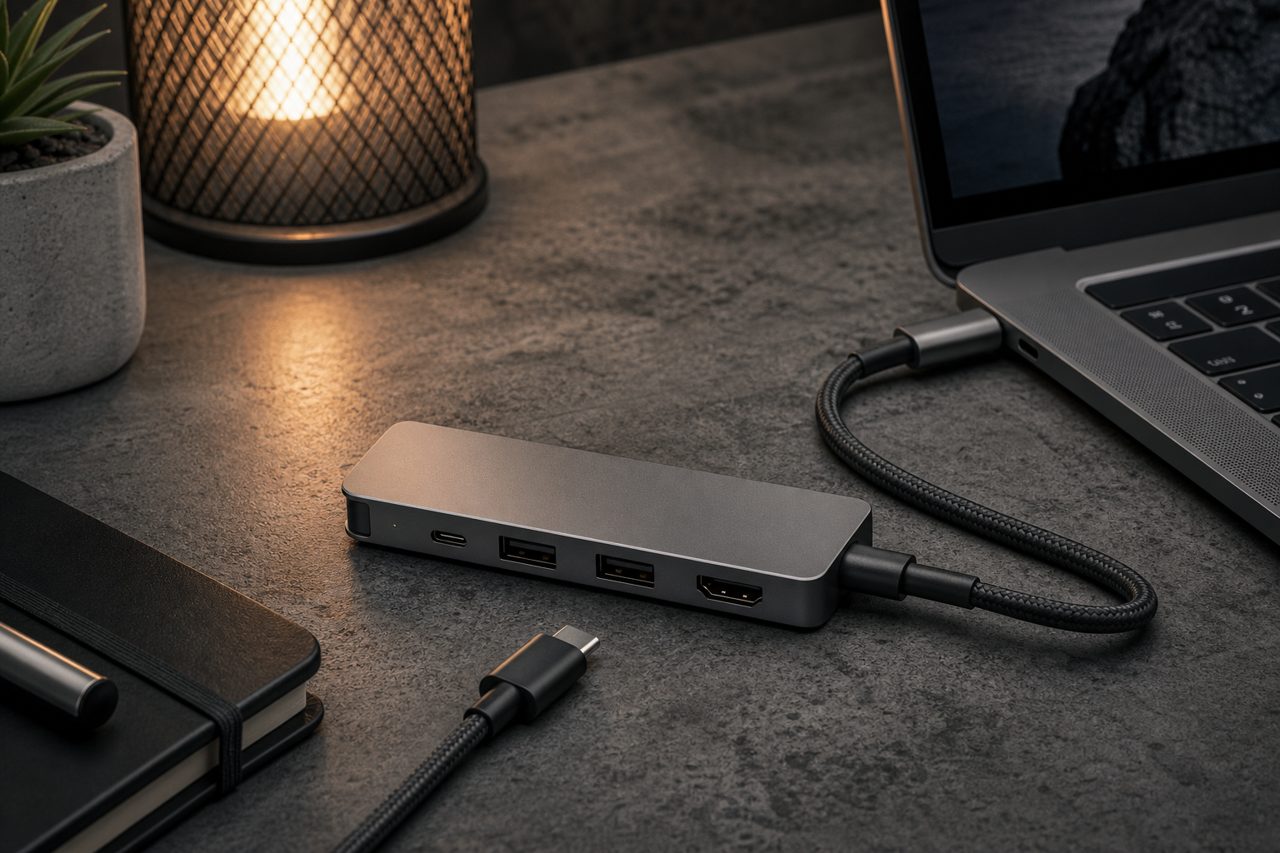
Docks multiply the stakes. A dock that negotiates high-wattage passthrough charging relies on the upstream cable's marker to grant it, so an under-spec cable between the wall charger and the dock throttles the whole desk, not just one device. Buyers assembling bundle SKUs should treat the upstream cable as a component of the dock sale, specified and tested like any other part.
How e-marker problems show up in the field
Field complaints cluster into a handful of patterns, each pointing at a specific root cause:
| Symptom | Likely cause | Verification step |
|---|---|---|
| Charging caps at about 60W with a "100W" cable | Marker missing, dead, or programmed for 3A | Read the marker on a reader; compare against the spec sheet |
| Device refuses EPR / 240W never engages | Marker lacks the EPR capability bit | Check the EPR field in the marker readout |
| Negotiation drops intermittently | Poor crimp or cold joint on the marker's supply path | Wiggle test at the connector while reading the marker live |
| Data speed fine but power capped | Marker programmed for the wrong current class | Compare readout line by line with the published spec |
The pattern to internalize: none of these failures is visible on the box, the print, or the connector. Every one of them is discovered either by a tool or by an angry customer. The tool is cheaper.
Verifying markers before a bulk order
An e-marker reader or a USB-C protocol analyzer costs little and settles the question in seconds. The working protocol for buyers:
- Read, do not trust the print. Record maximum current, EPR support, speed class and length from the readout.
- Compare line by line with the spec sheet. Every deviation is a finding, not a nuance.
- Sample across cartons. Markers come from different production batches; check units from the head, middle and tail of the run.
- Stress what you read. Run the rated current on an electronic load and wiggle the connector; a marker that drops out under flex has a workmanship problem around it.
Suppliers who build cables properly welcome this protocol; it takes minutes and protects both sides. Reluctance to provide reader access to samples is itself a screening signal.
Cost, sourcing and the print trap
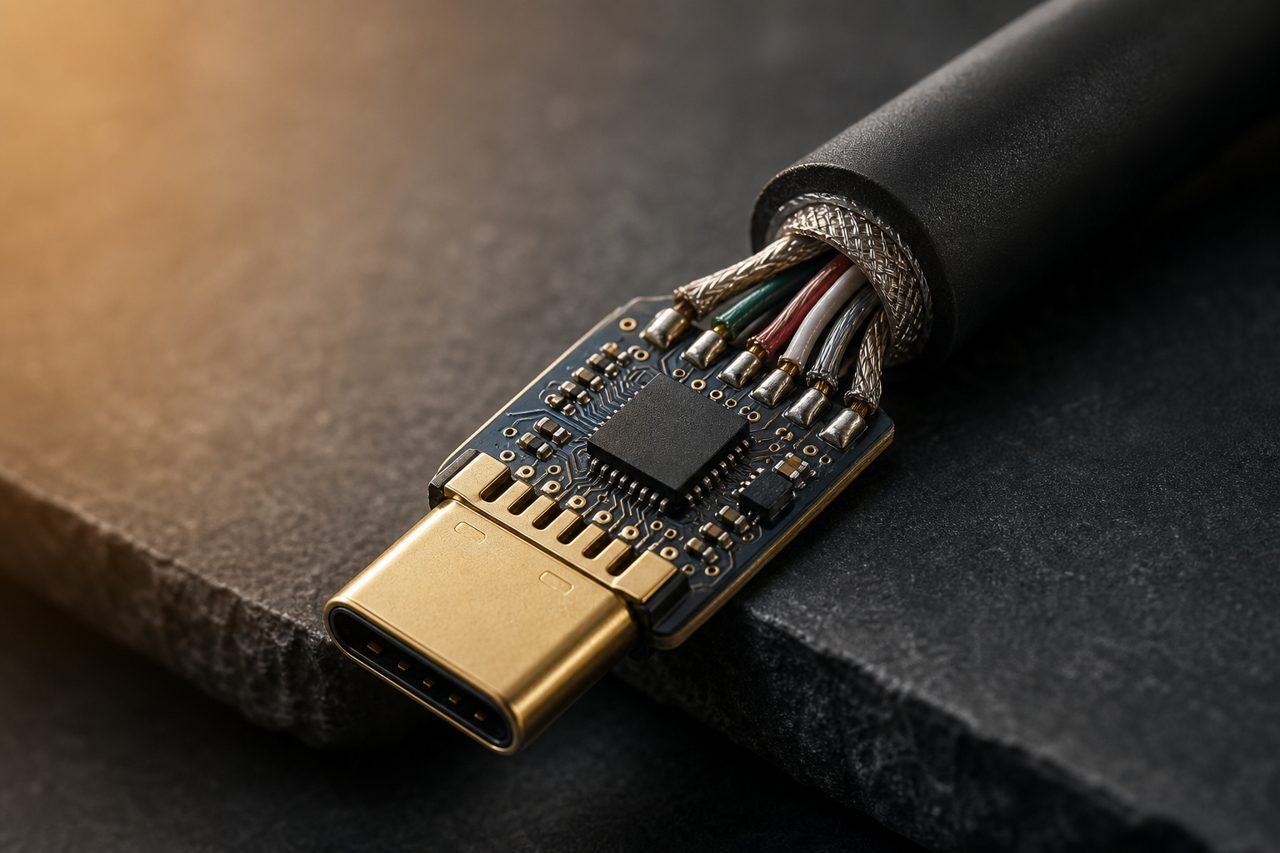
The chip's factory cost is trivial against the price of the failure it prevents, which makes the economics one-sided: specifying a proper marker on a 5A or EPR cable costs cents, while shipping cables whose claims outrun their chips generates refunds, reviews and support tickets at scale. The trap buyers fall into is sequencing: printing 100W or 240W on packaging and listings before the markers in the delivered goods are verified. Once the print is on the box, the claim is on the seller.
The correct order is verification first, print second. On stock models, the reader protocol above sorts compliant from non-compliant cables before a single unit ships, and stock models ship from a single piece, so the check happens on your own sample within days. On customized models, jacket colors, connector plating, logo printing and packaging customization start at 500 pieces per SKU, and full OEM starts at 1,000 pieces per SKU with structural changes from 3,000; sampling runs 5-7 days for light customization and 7-12 days for full OEM. The verification step belongs inside that process, before artwork is approved. The current lineup sits on the cables and hubs category page, the customization path on the OEM/ODM page, and the dock-side consequences of under-spec cables are covered in the hub buying guide.
FAQ
Can an e-marker be added to a cable that lacks one?
No. The chip is embedded in a connector and wired in during manufacturing, so it cannot be retrofitted. A 5A or EPR cable has to be built with the marker from the start, which is why the capability belongs in the specification sheet before production.
Do all USB-C charging cables have e-markers?
No. Cables operating at 3A or below, covering typical 60W charging, do not require one. The chip becomes mandatory above 3A, the 100W and 240W EPR classes, and 40Gb/s cables carry markers to declare their data capability.
How do I check what a cable's e-marker actually says?
With an e-marker reader or USB-C protocol analyzer: read the programmed maximum current, EPR support, speed class and length, compare against the spec sheet line by line, and sample across different cartons since markers vary between batches.