USB-C Hub Buying Guide: Ports, Power Delivery and Displays
A hub is the highest spec-density product in any connectivity assortment: one printed box carries six functions and every one of them is a place to fail. This guide breaks the buying decision into ports, power, display output, and the verification steps that keep returns low.
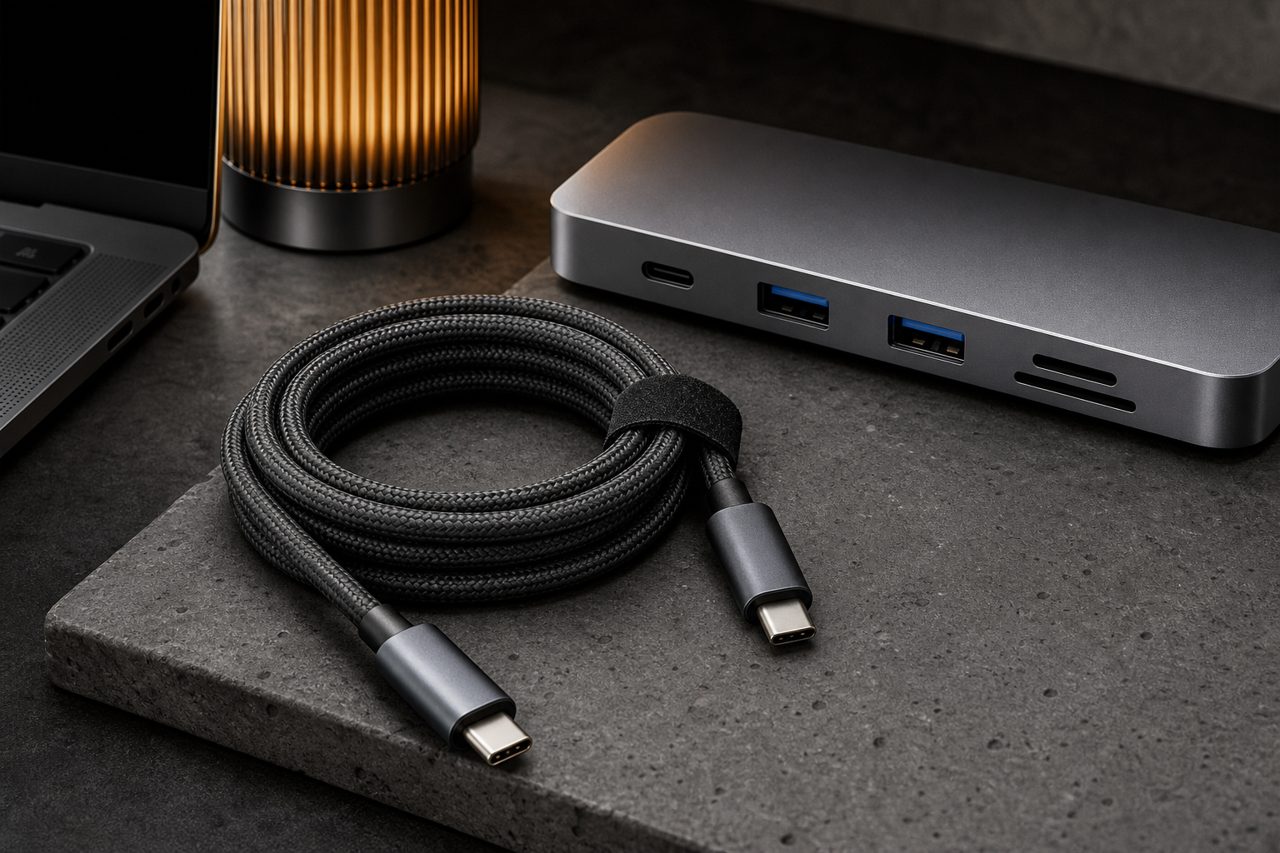
Hubs are where accessory catalogs get complicated. A single SKU packs a USB hub, a card reader, a display adapter, an Ethernet socket and a laptop charger into one housing, and each function is a separate promise to the customer. This guide is written for the purchasing audience that has to keep those promises: which specifications matter, which claims to verify on samples, and how the category should sit in an assortment.
Why hubs reward careful buyers
The commercial backdrop is straightforward. The global mobile accessories market reached USD 105.5 billion in 2025 and is projected to grow to USD 189.9 billion by 2033 (Grand View Research, 2025). Connectivity sits in the middle of that number. Nearly every current laptop leans on one or two USB-C sockets for charging, video and expansion at the same time, and port counts on thin notebooks keep shrinking, so the external hub has become the default expansion organ. For a reseller, a hub is not another cable: it is a small docking station with a higher ticket, a longer consideration cycle and a spec sheet the customer will actually read.
Online channels raise the stakes on that spec sheet. In the United States, online purchases already accounted for 35.5 percent of mobile accessories sales in 2023, and the share keeps rising (Grand View Research, 2023). A listing that answers questions before they are asked is the difference between a conversion and a return.
The port menu, decoded
Start with what each physical socket actually carries, because printed labels rarely help:
- USB-A ports move files to drives and peripherals. Verify the generation: USB 3.2 Gen 1 runs at 5 Gbps and Gen 2 at 10 Gbps. A new listing that says only "USB 3.0" is describing a Gen 1 part with old marketing.
- USB-C data ports should carry the fastest link in the housing. Some budget hubs wire their USB-C socket for USB 2.0 speeds of 480 Mbps only, and it is the single most misleading line on a cheap spec sheet.
- HDMI and DisplayPort outputs carry video. HDMI 2.0 is required for true 4K at 60 Hz; HDMI 1.4 tops out at 4K 30 Hz, and reviews punish the difference.
- Ethernet at up to 1 Gbps reliably raises perceived value for office buyers. Confirm the chip negotiates 1,000 Mbps, not a 100 Mbps part wearing the same socket.
- Card slots read SD and microSD media. A full-size UHS-II slot carries a second row of contacts and transfers up to roughly 312 MB/s; a UHS-I slot caps the very same card at about 104 MB/s.
- The audio jack is minor on paper and outsized in complaints. Test microphone input as well as output before shipping.
Two structural points complete the picture. First, a hub always shares its upstream link across everything downstream, so a 5 Gbps hub feeding two drives and a card reader splits that pipe in practice. Second, housing material is not cosmetic: aluminum spreads heat from the controller and reads as quality on a desk, while ABS traps it, and the difference shows up in sustained-transfer complaints and in the price the product supports.
Power Delivery passthrough: the spec that sells
The charging port is the line that sells hubs and also the one that generates the most support tickets. Passthrough lets one wall charger power both the hub and the host laptop. The honest numbers to publish are the input rating, typically 60W or 100W, and the output retained for the host after the hub feeds itself, since the board draws roughly 10 to 15 watts. State plainly that no wall charger is included; the missing-charger assumption is a recurring one-star theme across marketplaces.
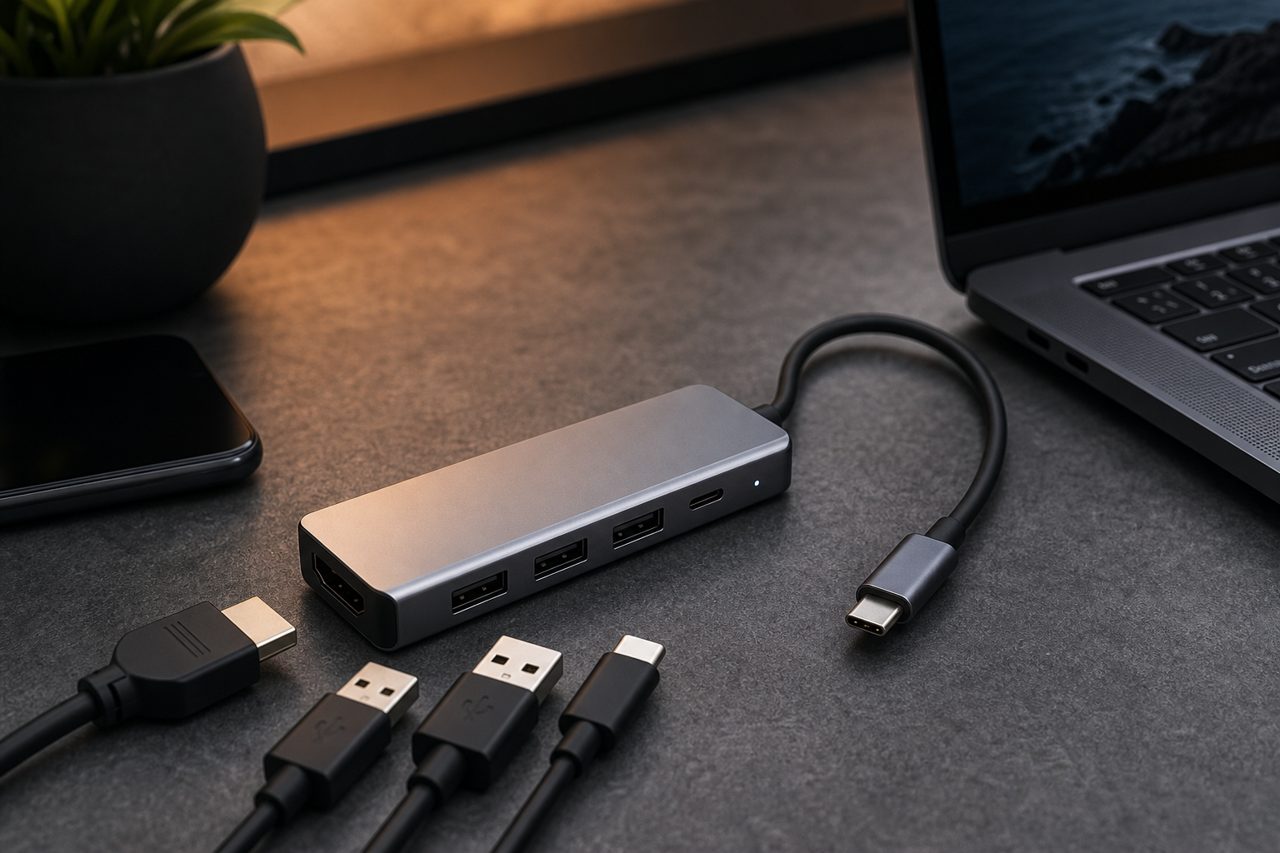
Two behaviors deserve sample testing before any order. The first is negotiation under load: some boards force the host to renegotiate to a lower wattage when several ports work at once, which is normal engineering but should be disclosed. The second is cold behavior. A hub that fails to re-establish charging, video or Ethernet after the laptop sleeps is a classic silent returns driver, and bench testing catches it in minutes.
Display output and the Alt-Mode dependency
Video through a USB-C socket depends on DisplayPort Alternate Mode, and the host laptop decides whether that mode exists. Many business laptops and some mainstream models carry data and power on USB-C but no video at all, and no hub can add what the port lacks. Honest listings state this dependency up front, and a good sales workflow asks which laptop the customer owns before promising two monitors.
Dual-display behavior is the second honesty point. Hubs that extend two external screens independently rely on DP 1.4 links plus MST support, which Windows handles well. macOS does not treat MST streams the same way: on most such hubs, a Mac mirrors the second display instead of extending it. A listing aimed at a mixed audience shows both behaviors rather than the more favorable one, because the discrepancy surfaces in reviews within days.
The verification table
Use the table below as the minimum spec review before samples are ordered, and re-run it against the printed box copy of any model you already stock.
| Line item | What to verify | Failure mode if ignored |
|---|---|---|
| USB-A ports | Generation and bandwidth: 5 Gbps vs 10 Gbps | "Slow drive" complaints on Gen 2 expectations |
| USB-C data port | Wiring class: 480 Mbps vs 5/10 Gbps | "It only charges" reviews |
| HDMI output | HDMI 2.0 for 4K 60 Hz | 30 Hz flicker returns from monitor users |
| Ethernet | Gigabit PHY, real 1 Gbps negotiation | Office buyers rate the port useless |
| SD/microSD slots | UHS-II second contact row | Photographers return "slow" readers |
| PD passthrough | Input rating and host-retained wattage | Laptop battery drains under load |
| Housing | Aluminum vs ABS under sustained load | Heat complaints and price-position mismatch |
A nine-step evaluation checklist
Run every candidate hub through the same nine steps. The sequence takes an afternoon with a laptop, a 4K monitor, a UHS-II card, a USB drive and a USB power meter.
- Confirm the host laptop's USB-C capabilities: data generation, Power Delivery and Alternate Mode.
- Copy a fixed 10 GB file set through each data port and log throughput.
- Verify 4K at 60 Hz on each video output, then test dual displays on both Windows and macOS hosts.
- Load every port at once and log whether the host battery holds, drains or charges through the PD port.
- Sleep the laptop, wake it, and confirm video, Ethernet and charging return without replugging.
- Insert UHS-I and UHS-II cards and compare transfers against each card's class rating.
- Negotiate Ethernet at 1 Gbps over a long cable run.
- Log housing temperature after thirty minutes of combined load.
- Read the printed spec sheet against observed behavior and treat every mismatch as a future return.
Building the assortment
The category supports three stock tiers, and they map cleanly onto buyer budgets. The entry tier is a 6-in-1: 4K 60 Hz HDMI, two 5 Gbps USB-A ports, SD and microSD, and 100W passthrough. It is the volume base and the safest first SKU. The mainstream tier is an 8-in-1 that adds gigabit Ethernet and a 10 Gbps USB-C data port for office and hybrid workers. The top tier is a 12-in-1 class dock with dual display output for desk-bound users, sold on the strength of its verified spec sheet rather than its port count alone. Browse the current cables and hubs lineup to match tiers to your price ladder.
Sequence matters as much as selection. Because stock hubs ship one piece at a time, you can validate a tier through dropshipping before any bulk commitment, then move the proven model to logo-and-box customization at 500 pieces per SKU, or a housing change under OEM at 1,000 pieces. Light customization samples take 5 to 7 days and bulk follows in 12 to 15 days, so a tested hub can be on your own label within a single reorder cycle.
FAQ
What does a hub need in order to run two external monitors?
Three things must line up: the host USB-C port must support DisplayPort Alternate Mode, the hub board must carry two DP 1.4 streams with MST support, and the operating system must allow independent outputs. Windows extends over MST well; on macOS most such hubs mirror the second display instead. Listings aimed at mixed audiences should show both behaviors.
Will a 100W passthrough hub charge a laptop at full speed?
Only if the wall charger attached to the hub actually delivers 100W and the laptop negotiates it. The hub consumes roughly 10 to 15 watts for itself, so a 100W input typically leaves around 85 watts for the host, enough for most 13 to 15 inch laptops under normal load. Disclose the retained wattage on the listing.
Which hub should a new reseller stock first?
A 6-in-1 with 4K 60 Hz HDMI, two 5 Gbps USB-A ports, SD and microSD slots and 100W passthrough covers the widest demand at an entry price. Validate it with one-piece dropshipping before bulk, then add an 8-in-1 with Ethernet once review data confirms the channel.