Sourcing USB Microphones: Capsule, Sample Rate and Mounts
The USB microphone is the widest funnel into creator gear: every podcaster, streamer and remote worker starts there. For audio sellers it is a natural extension category - but spec sheets in this space carry more decoration than any other audio product. This guide separates the parameters that decide customer satisfaction from the ones that only fill tables, and ends with a supplier checklist and a bench test.
Audio accessories keep compounding at 7.8 percent annually through 2033 (Grand View Research, 2025), and within that trade the USB microphone holds a specific appeal: it converts the same supply belt that builds earbuds into a product with a much higher average selling price and a buyer who films the unboxing. It is also a category where naive spec reading produces expensive mistakes - paying licensing-adjacent costs for sample rates nobody needs, or shipping a condenser capsule into bedrooms that swallow it. The three parameters in the title - capsule, sample rate, mounts - are where the real decisions live.
What USB changes: the built-in audio chain
A USB microphone is not just a capsule with a cable. It contains the entire recording chain: capsule, preamp, analog-to-digital converter and USB interface, powered from the computer's bus. That integration is the product's reason to exist - no audio interface to buy, no gain staging to learn - and it is also where quality differences between factories hide. The preamp's noise floor and the converter's clock determine whether a cheap unit hisses at normal gain, and neither appears on a spec sheet. Two consequences follow for buyers. First, evaluate units by listening to recorded output, not by reading numbers. Second, expect honest differentiation from the parts that are verifiable: capsule type, pattern selection, monitoring and mechanical design.
Capsules and pickup patterns
Two capsule families dominate. Condenser capsules capture detail and transient sharpness, which flatters produced studios but equally captures room echo, keyboard clatter and computer fans. Dynamic capsules are less sensitive, and that is their commercial superpower: in the untreated bedroom that most creators actually record in, a dynamic capsule simply hears less of the room and more of the voice. For entry and mid-tier assortments this is the single most valuable piece of product knowledge on this page.
Pickup patterns shape who the microphone suits:
- Cardioid. Heart-shaped front sensitivity; the default for solo voice, streaming and podcasting.
- Omnidirectional. Hears equally all around; suits conference calls and ambient capture, punishes untreated rooms.
- Bidirectional. Front and back only; the pattern for two-person interviews at one desk.
- Stereo. Left-right spread; for music and field recording more than voice work.
Fixed-cardioid models cover the volume segment. Multi-pattern switchable models raise the price and widen the audience - provided the switch is real and the patterns differ audibly, which the bench test below confirms.
Sample rate and bit depth: what actually matters
The audio engineering here is settled, and it is less glamorous than spec tables suggest. Bit depth sets the noise floor headroom: 16-bit is adequate for voice streaming, while 24-bit provides genuinely useful post-production headroom for creators who compress and EQ their recordings. Sample rate sets the captured frequency range: 48 kHz covers everything speech and music production needs. Rates beyond that are spec-sheet decoration for this audience - no podcast platform streams at 192 kHz, and no listener would benefit if one did. The purchasing rule: 24-bit at 48 or 96 kHz is a defensible spec line; anything above is marketing you should refuse to pay for. What matters more, and what cheap units get wrong, is converter quality at normal gain - which brings us back to listening tests.
Monitoring, controls and the mount system
Three usability features separate professional-feeling units from toys. A headphone port with direct monitoring lets the creator hear their own voice in real time without the round-trip delay of computer processing - the feature users miss first when it is absent. On-device gain and mute controls prevent the mid-stream fumble into software menus. And the physical mount system decides day-to-day satisfaction: the US microphone stand thread standard is 5/8-inch-27, European stands use 3/8-inch, and a unit should include the adapter so it fits both. Desk tripods bundled in the box are expected; a compatible shock mount is an upsell and often a differentiator. Weight matters too - a light microphone on a boom arm transmits every desk bump, which is a returns-generating annoyance.
The supplier checklist
Before requesting samples, put the following lines into the RFQ. A supplier who answers each one in writing is engineering the product; vague answers are themselves information.
- Capsule type (condenser or dynamic) and pattern(s); state whether patterns are switchable and how.
- Bit depth and sample rate in writing: 24-bit/48 kHz minimum for the mid tier, 96 kHz as an option.
- Headphone output with direct, latency-free monitoring.
- Thread specification: 5/8-27 with a 3/8-inch adapter included.
- USB-C connection, bus-powered, with on-device gain and mute controls.
- Mount stability: state the bundled stand's footprint and the microphone's weight.
- Certification coverage for destination markets (CE, FCC, RoHS and market-specific files for the exact model).
- Accessory set: shock mount, pop filter or foam, and cable length in writing.
A fifteen-minute bench test
- Record thirty seconds of speech at twenty centimeters and again at forty; listen on headphones for hiss at matched loudness.
- Clap once at normal level and once close: the recording should clip only on the close clap, showing usable headroom.
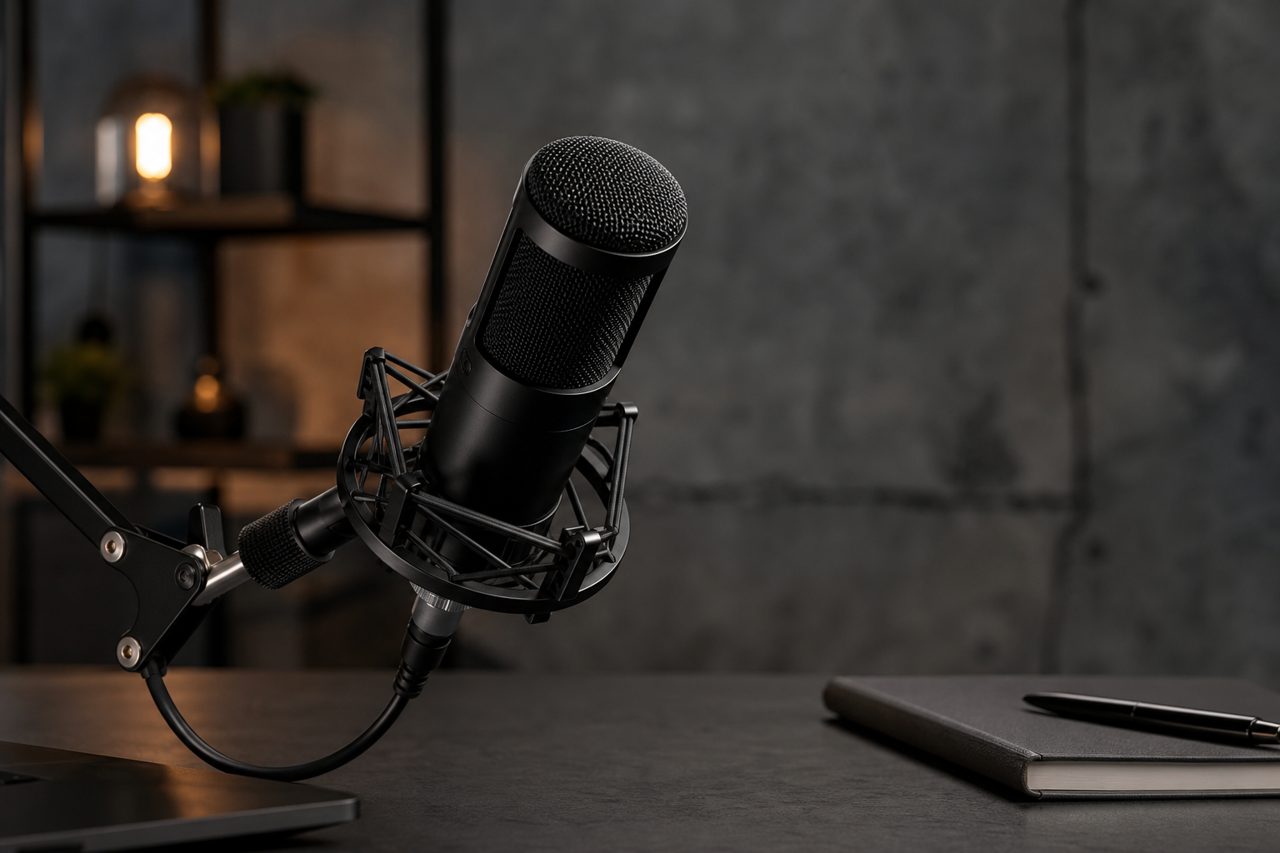
- Tap the desk twice while recording; a unit that transmits thunder through the stand needs a shock mount in the box.
- Enable direct monitoring and speak: the heard voice should arrive with no perceptible delay.
- Unplug and replug the USB cable: the operating system should recognize the unit again without replugging hubs or restarting software.
- If the model claims multiple patterns, switch between them and record each; identical recordings mean a decorative switch.
From checklist to catalog
USB microphones validate quickly because the customer's verdict arrives in the first recording they make. Run the checklist and bench test on real stock units through single-piece dropshipping with 48-hour dispatch; once a model earns its place, logo and packaging customization starts at 500 pieces per SKU, and full OEM - housing, capsule configuration and accessory set - at 1,000 through OEM/ODM, with sampling in 5-7 and 7-12 days. In-stock models and their full spec lines are listed in the audio category.
FAQ
Should a starter bundle include a condenser or dynamic USB microphone?
Dynamic, for most home creators. Condenser capsules capture more detail but also more room echo and computer fan noise, which untreated bedrooms produce in quantity. A dynamic capsule is the forgiving choice unless the bundle targets creators with treated rooms.
Is 24-bit / 96 kHz audio necessary in a USB microphone?
24-bit depth is genuinely useful as post-production headroom; rates above 96 kHz add nothing meaningful for speech and music at this level. Treat 192 kHz on a listing as decoration unless the product explicitly targets professional recording.
What is the MOQ for branded USB microphones?
Logo and packaging customization starts at 500 pieces per SKU. Full OEM with custom housing, capsule configuration or accessory sets starts at 1,000 pieces per SKU, with sampling in 5-7 days for light customization and 7-12 days for full OEM.