Tripod Load Capacity: Reading Specs Honestly
Load capacity is the most misread number in the support category. Suppliers print it in bold, buyers compare it like engine power, and customers discover the gap between the number and reality when a rig sags, drifts or tips. Here is what the rating actually measures, why real-world capacity runs lower, and what to verify before stocking any tripod or stand.
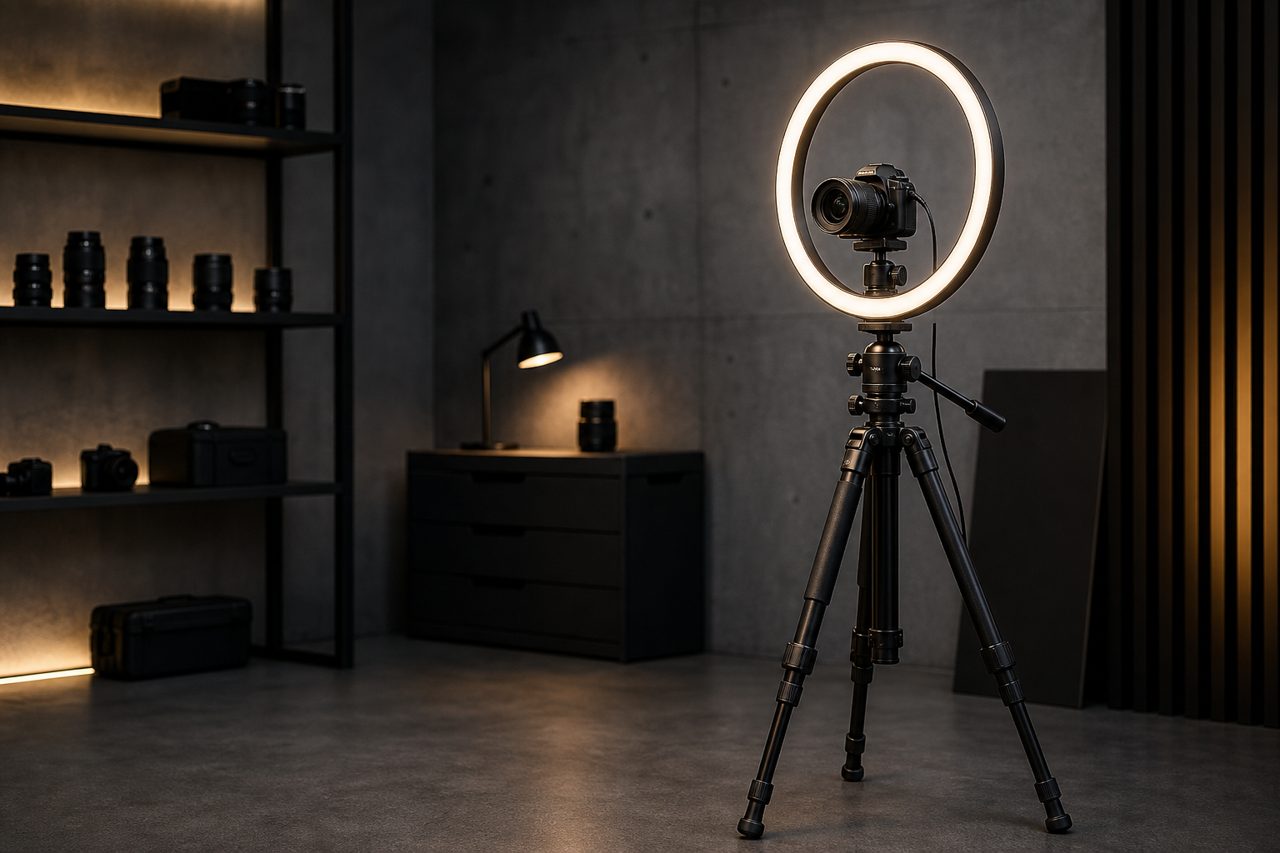
In creator gear, tripods and stands fail commercially in a specific way: nothing breaks on day one, the customer films a few sessions, and then the joints slowly stop holding position. By the time the review appears, the return window logic is murky and the brand takes the hit. That failure mode starts at the spec sheet, because most listings treat load capacity as a single bold number when it is really a statement about conditions. Reading it honestly is a procurement skill, and it costs nothing but attention.
What the number actually measures
A published load rating describes the maximum weight the legs will hold in laboratory-friendly conditions: payload centered over the apex, the center column down, legs at a wide stable stance, and no lateral force. It is a ceiling for the best case, not a promise for the desk or the studio floor. It is also not a structural cliff where the product snaps; below the rating the tripod is reliably rigid, above it the joints begin to creep and vibration settles more slowly into footage.
The second thing the number usually omits: the head. Most ratings describe the legs alone, and the head carries its own rating, often lower on value-tier kits. The usable capacity of a tripod is the lower of the two numbers, and everything stacked above the head — quick-release plates, phone clamps, lights, microphones — counts against it. For creator gear this matters more than for traditional photography, because a desk setup routinely hangs a light and a phone where a camera alone was expected.
A third gap is comparability. There is no single enforced test method that every supplier follows, so two stands with the same printed rating can behave differently under the same payload. Some factories rate conservatively and consistently; others rate aspirationally. This is why the sample test matters more than the printed figure: within one catalog, a buyer can enforce a single honest internal standard, and the listings that result will survive contact with customers better than any bold number.
Why real-world capacity runs lower
Four factors subtract from the bold number, and every one of them shows up in normal creator use:
- Height. A rating taken with the center column down says little about the same rig with the column raised. Extended height turns the column into a lever, and stability falls well before anything visibly bends. Listings that quote one number without stating the test height are hiding the most important variable.
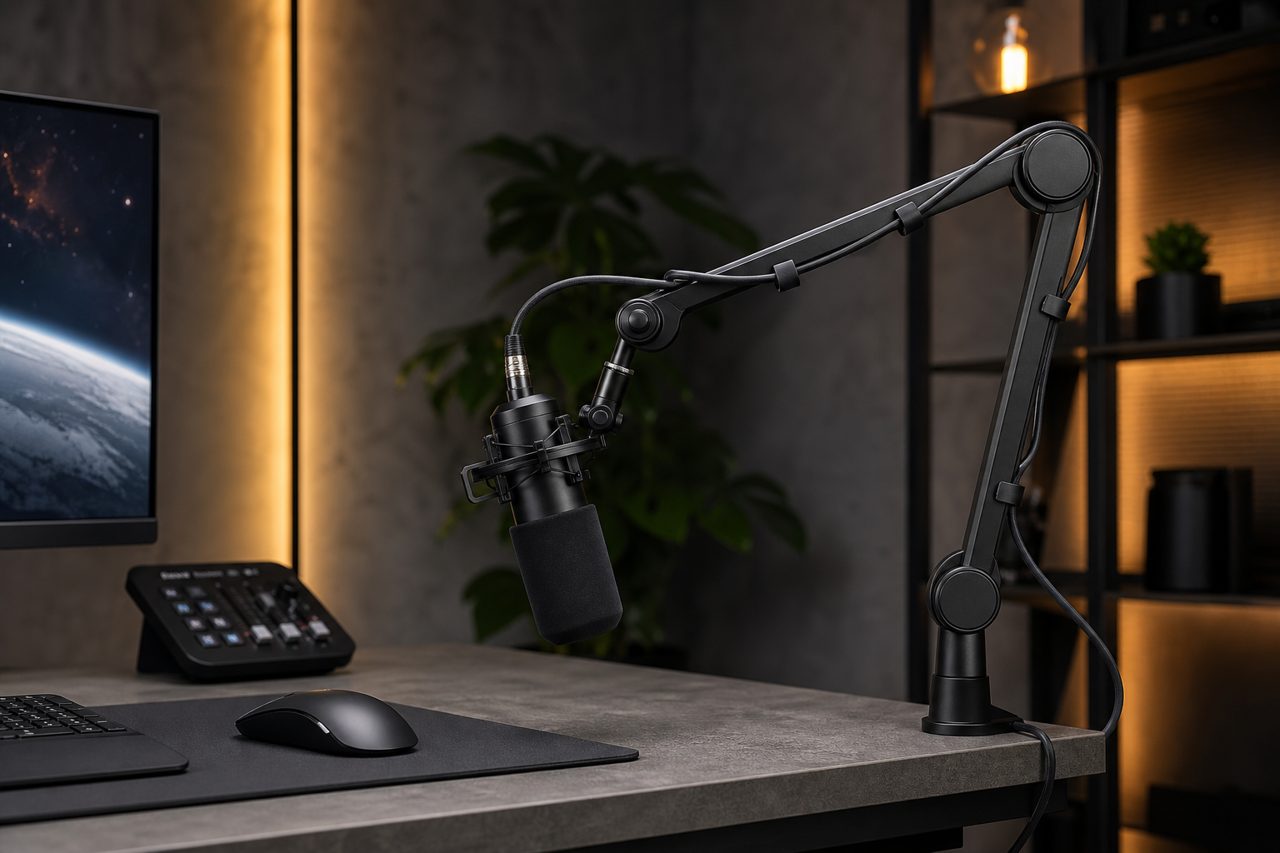
- Off-center loads. Boom arms, offset lights and side-mounted phone brackets move the center of gravity away from the apex. The further the payload hangs from the column axis, the less the rating means, because the load now works through torsion the legs were never tested for.
- Lateral force. Bumps from desk work, dragged cables, pets and foot traffic apply horizontal loads that a centered static rating never contemplates. Stands near desks live with this daily, which is why a base that looks generously rated can still walk and tip.
- Locking wear. Twist locks and flip locks hold to their rating when new. After months of adjustment cycles, worn pads and loose collars reduce holding force long before the user notices anything except slow drift in the frame.
A workable rule of thumb for listings and for buyers alike: treat roughly two-thirds of the rated load as the realistic working capacity for a rig with any off-center weight or raised column, and let customers know what the product is actually for. Under-promising here is the cheapest returns-prevention program in the category.
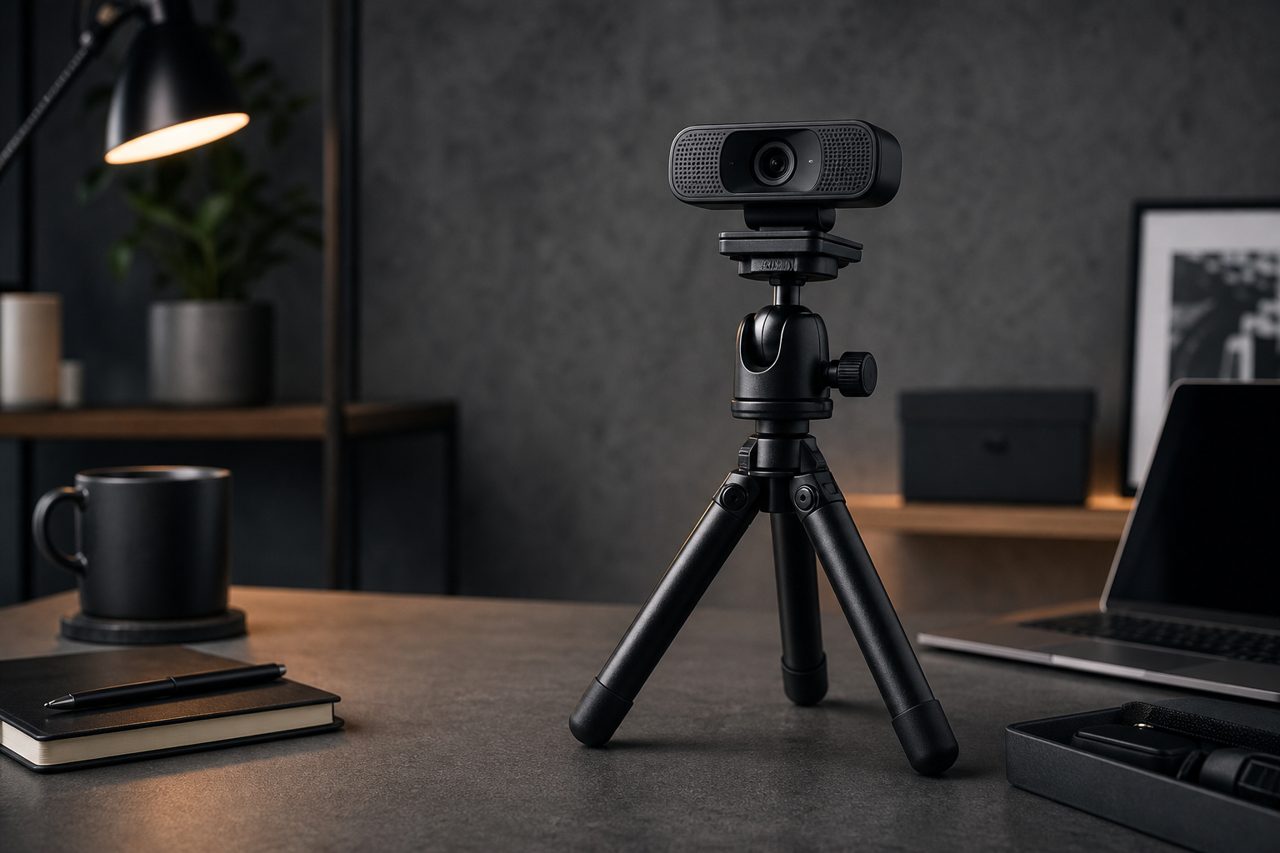
Capacity classes and what they honestly carry
Creator gear catalogs do not need every class; they need the right three or four, each mapped to a payload the customer can picture. Weight figures below are approximate ranges for common equipment classes and should be verified against the actual SKUs you bundle:
| Class | Typical rating band | Honest payload fit | Category role |
|---|---|---|---|
| Pocket and desktop tripods | Light duty; ratings often unstated or modest | Phone with clamp, action camera, compact camera, small webcam | Volume base of the accessories shelf |
| Desk stands for lights | Light to medium duty | Small LED panel plus phone bracket; watch the cantilever | Desk setup and streaming bundles |
| Compact full-size tripods | Medium duty | Mirrorless body with a standard zoom; careful with added lights | Creators stepping up from phones |
| Heavy-style floor stands | Higher duty | Larger lights and heavier rigs with the base spread wide | Studio corners and room-scale setups |
The table's real lesson is in the second and third rows, where overload hides. A phone tripod is rarely overloaded by the phone; it is overloaded when the customer adds a light, a microphone and a mount and treats the whole assembly as if it weighed nothing.
Reading a spec sheet: the buyer's checklist
- Ask at what height and configuration the load was rated; legs-down, column-down, payload centered is the only comparable baseline.
- Get the head rating separately and assume the combination is limited by the lower number.
- Note the locking type. Twist locks seal better against dust; flip locks are faster and easier to inspect; both depend on build tolerance more than on type.
- Check the material honestly. Aluminum and carbon fiber differ in weight and vibration feel, not in a license to exceed ratings.
- Confirm the mounting screw standard and whether plates are included, since plate mismatch is a quiet compatibility return.
- For desk products, confirm desk-edge clamp range and base footprint, because stability at the desk is geometry before it is capacity.
What to verify in samples
- Load the tripod to its rated figure with the column down, then raise the column and watch for sag over several minutes.
- Mount an off-center light at the end of an arm and test the same rig again; this is the customer's actual setup.
- Cycle every lock fifty times and re-check holding force; early-loosening locks predict the drift complaints that surface in reviews.
- Check the head's panning and tilting smoothness under load, since stiff or gritty movement gets returned as "broken".
- Weigh and photograph the rig the listing describes, then make sure the stated rating still leaves margin.
The sourcing bottom line
Two practices protect a reseller specifically. First, refuse to copy a supplier's load figure into a listing until the sample test reproduces it; a supplier's optimism becomes your return rate. Second, write payload descriptions in the customer's own vocabulary — which camera, which light, which phone — because a stated payload educates the buyer and pre-empts the support ticket asking whether this stand will hold a particular setup.
Load ratings are honest when they are specific: height stated, head counted, conditions named. Stock the classes your customers can picture, describe payloads instead of raw numbers where possible, and keep every SKU's real-world assignment below its rating. Current tripod and stand models ship from a single piece for validation through dropshipping, with stock dispatched within 48 hours. Logo and packaging customization starts at 500 pieces per SKU and full OEM at 1,000 pieces per SKU, with sampling in 5-7 days for light customization; see the OEM/ODM page and the creator gear category page for the current lineup.
FAQ
Can I put a heavier camera on a tripod than its rated load?
Physically nothing stops you, which is why the rating gets abused. It marks where the legs stay reliably stable under ideal conditions, not a cliff where the product snaps. The practical failures are sagging joints, vibration in footage and eventually a tipped rig. Treat the rating as an ideal-case ceiling and keep real payloads comfortably below it.
Does the load rating include the tripod head?
Usually not. Most ratings describe the legs alone while the head carries its own rating, and the combination is limited by the lower number. Everything stacked on top — plates, phone clamps, lights, microphones — counts against that limit, and value-tier heads are the most common hidden bottleneck.
What load class should an accessories store stock for desk setups?
The small class matters most for creator gear: desktop tripods and stands that honestly carry a phone with clamp, a compact camera or a small LED panel. Desk setups overload silently with lights and accessories, so state the rating and intended payload plainly, and add one honest mid-class option for heavier rigs rather than stretching any SKU past its number.