Active Stylus Buying Guide: Pressure, Tilt and Charging
Styluses are the most spec-deceptive product in the phone accessories shelf: three pens that look identical in a product photo can behave completely differently on the same tablet. The differences - pressure response, palm rejection, latency, charging - are invisible until the pen touches a screen, which makes styluses a category where buyers must test before they stock, and where compatibility questions decide returns more than build quality does.
Underlying demand is structural: tablets have become note-taking and sketching surfaces for students, field workers and designers, and every one of those users needs a pen. The opportunity is real, and so is the minefield - "works on all devices" is the most common and least true line in the category, and it is usually the sentence a disappointed review quotes back. This guide sorts the shelf into three families, explains the specs that matter, and ends with the pre-order checklist that prevents the classic mistakes.
Three stylus families
Everything on the shelf belongs to one of three families, and the family - not the brand, not the price - decides behavior:
| Family | How it works | Pressure and tilt | Compatibility | Relative cost |
|---|---|---|---|---|
| Passive capacitive | Conductive tip mimics a finger; no electronics | None | Any capacitive screen | Lowest |
| Active universal | Battery-powered fine tip driving the touchscreen signal | No pressure levels; palm rejection varies by device | Most recent capacitive screens; verify per device | Mid |
| Protocol-based | Speaks a stylus protocol the device's digitizer understands | Pressure levels and tilt where the device supports them | Only devices supporting the matching protocol | Highest |
Most category confusion is family confusion. An active universal pen is sold beside protocol pens at similar prices, the buyer assumes pressure must be included, and the review says "no pressure sensitivity" - a charge against the product that the product never made. Sorting your catalog by family, and stating the family in the listing title, prevents the single most common stylus return.
Pressure and tilt, honestly
Pressure levels describe how finely a pen reports how hard it is pressed - the input behind line-thickness variation in drawing and calligraphy. Tilt describes whether the digitizer reads the pen's angle for shading effects. Both require the protocol family: the pen and the device's digitizer negotiate, so a protocol pen on an unsupported device is just an expensive passive stick. Marketing loves to print big level counts, but the buyer's question is narrower: does this pen support pressure on the devices my customers own, yes or no. For note-taking - the volume use case - neither feature is needed; notes are binary strokes, and what note-takers actually feel is tip visibility, lag and whether their resting palm draws lines. Sketch and design audiences need the protocol family, and they know it - the listing's job is to route them correctly, not to promise both audiences one pen.
Latency and palm rejection
Writing feel is a system property: the pen reports, the screen samples, the software renders - latency lives in the slowest of the three. That is why the same stylus can feel crisp on one tablet and laggy on another, and why bench testing belongs on the devices your customers actually own. Palm rejection splits the same way: on protocol systems it is native and reliable; on active universal pens it depends on the device software recognizing a pen-sized signal, which is why the same pen can rest the palm cleanly on one device and ghost-write with it on another. Tip visibility is the quieter half of the same story - a fine hard tip floating a millimeter above glass reads as precise, while a fat soft tip hides the contact point and reads as sloppy regardless of the electronics. Test all three, per target device, before the order - and say in the listing which devices the palm rejection was verified on.
Power and charging
Active pens carry power in one of two ways: a built-in rechargeable cell charged over USB-C, or a replaceable battery. USB-C charging is the pragmatic choice for the current market - phones and tablets already charge over USB-C as required across the EU since the end of 2024 (European Commission), so the pen that charges from the owner's existing cable never adds a charger to the drawer. Ask the supplier for two charging specs: full-charge writing time and standby endurance, because a pen that writes for hours but empties in a week of standby generates "dead on arrival" reviews from students who charge weekly. Shipping note: a built-in lithium cell puts the product on battery-ready air channels with UN38.3-compliant packing, so lead times differ from passive accessories; replaceable-battery models ship as ordinary cargo.
The pre-order checklist
- Match protocol to devices: list the exact target devices and verify pressure, tilt and palm rejection on each - in writing from the supplier's compatibility sheet, then on the bench.
- Run a thirty-minute writing test: note tip wear, hand warmth from the barrel, and any lag against fast strokes.
- Check balance and diameter: the pen should rest like a normal pen; barrel weights that fight the grip show up in hour two, not minute two.
- Measure charge endurance: full charge, timed writing session, and a standby check a week later.
- Confirm tip availability: replacement tips in the box or orderable, with the replacement mechanism demonstrated, not described.
SKUs, bundles and channels
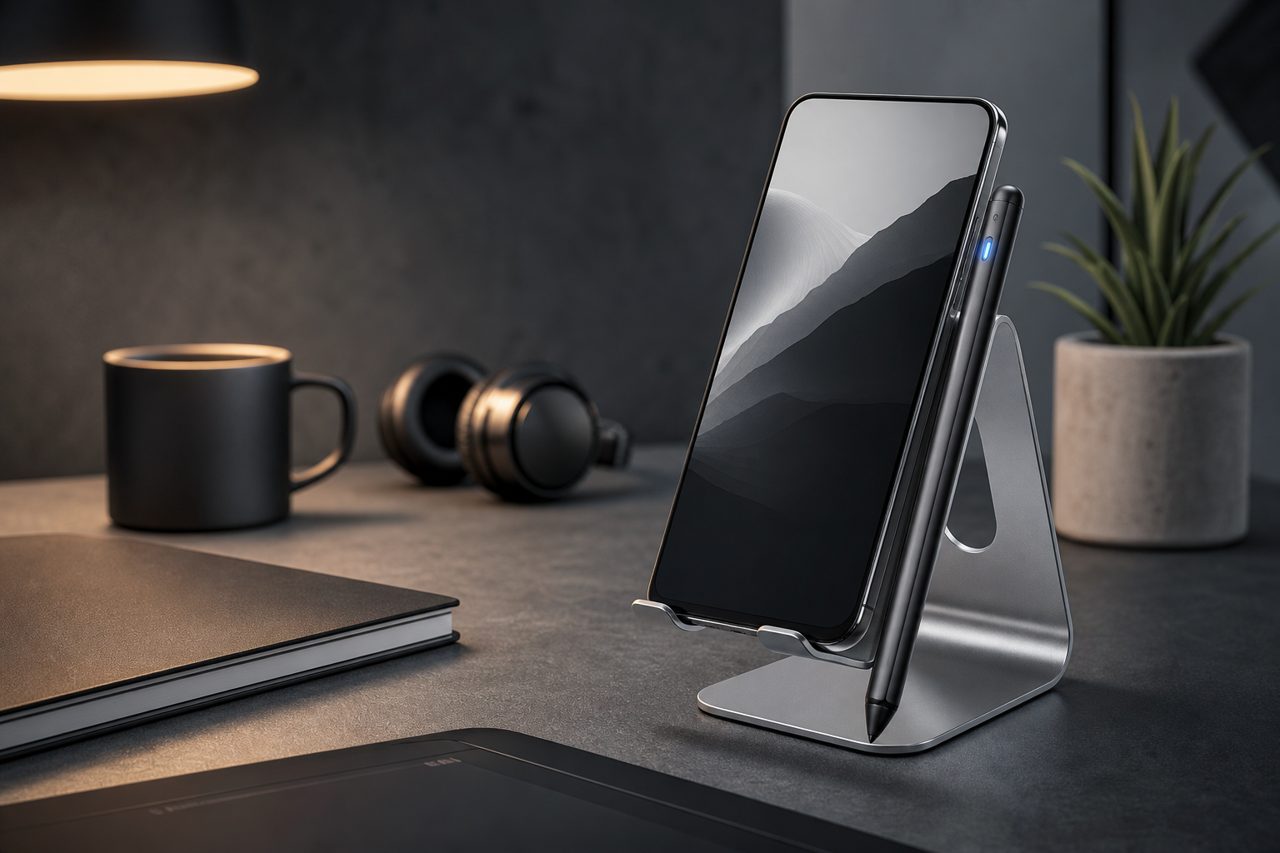
The natural SKU set is one pen per family plus a tip multipack, and the natural bundle pairs a stylus with a paper-feel screen protector - the two products change the same use case and justify each other. Packaging should show the tip and the writing posture, because those two details answer the questions buyers actually hold. Education and corporate programs buy styluses in seasonal waves and want logo marking; light customization starts at 500 pieces per SKU with sampling in 5-7 days, while structural changes to the pen belong to full OEM customization from 1,000 pieces. In-stock models across the three families are listed in the phone accessories category, and single-piece validation through the dropshipping program lets you run the checklist above on real units against your target device list before any bulk commitment - which, for a product whose entire reputation lives in how it feels on a screen, is the only test that counts.
FAQ
Do active styluses work on every tablet?
Active universal styluses work on most recent capacitive touchscreens, which is their selling point - but without pressure levels or guaranteed palm rejection. Protocol-based styluses deliver those features only on devices supporting the matching protocol, so the target device list must be checked SKU by SKU before ordering. Passive styluses work anywhere a finger works, and nowhere better.
Are pressure levels necessary for note-taking?
No. Notes are binary strokes; what note-takers feel is tip visibility, latency and palm rejection. Pressure levels matter for drawing and shading, and they require a protocol-based stylus with device support. Matching the tier to the use case prevents paying for drawing features that note-taking customers never touch.
What is the minimum order for a stylus with our logo?
Logo, packaging and colorway customization starts at 500 pieces per SKU with sampling in 5-7 days. Changes to the pen's structure - barrel geometry, circuit, tip mechanism - are OEM work starting at 1,000 pieces per SKU.