Kids' GPS Watches: Features, Rules and Cautions
The kids' GPS watch sells to the most motivated buyer in wearables, an anxious parent, and to the most demanding regulator, anyone who writes rules about children. That combination gives the category real margins and real obligations at the same time. This guide maps the three hardware tiers, the features parents actually judge, the privacy and claims lines that keep a store safe, and the bundles and support load a seller should plan for.
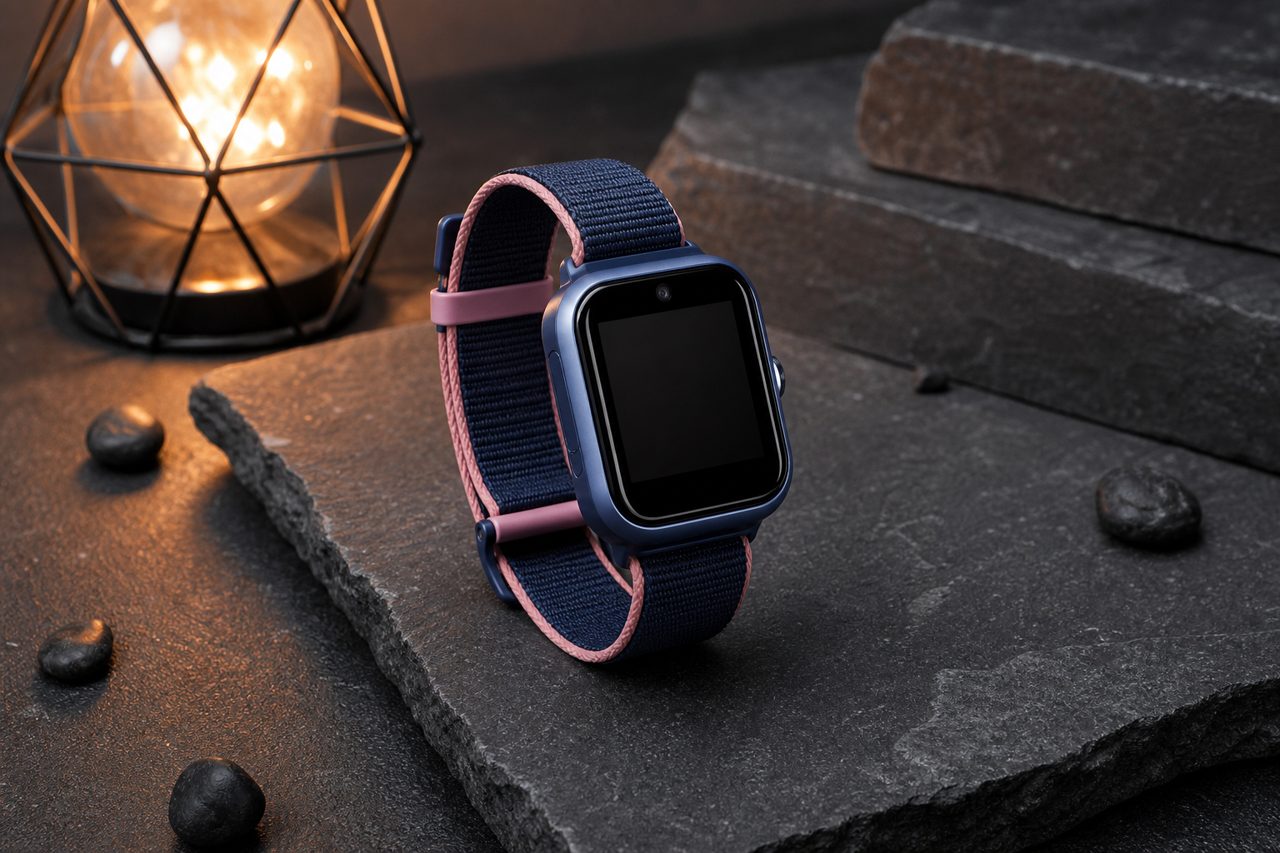
The three hardware tiers
Everything on the market descends from one of three architectures, and the tier decides price, support load and certification weight at once:
- Companion watch. Pairs with a parent's phone over Bluetooth; positioning and alerts run through the parent's device. Simple, cheap, and limited to short range, which surprises buyers who expected independence.
- GPS and Wi-Fi watch. Positions itself via satellite and nearby Wi-Fi networks and reports through the home network and app. Independent positioning without a subscription, with the known indoor limits of that positioning mix.
- Cellular watch. Takes a SIM and reports location, calls and messages from anywhere the network reaches. The most capable tier and the heaviest: radio certification, SIM activation support and subscription expectations all arrive with it.
Age maps loosely onto tiers: the companion watch suits the first school years when a parent is always nearby, the GPS and Wi-Fi watch covers the walk-to-school-independently phase, and the cellular tier arrives when the child's schedule stops orbiting the parent's. Stocking all three matters less than listing each tier's assumptions honestly, because most disappointment in this category is a buyer who purchased one tier while expecting another.
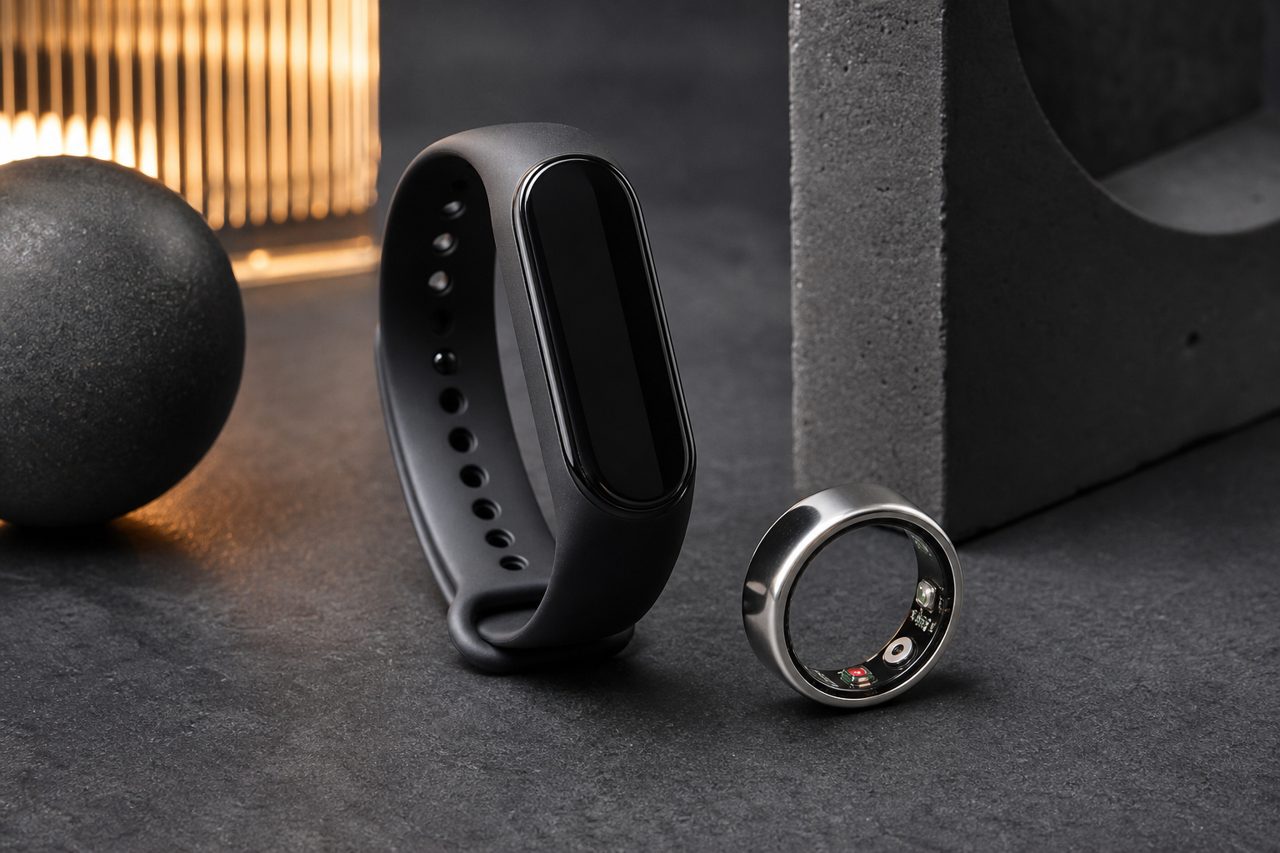
What the tiers mean for the business
| Dimension | Companion | GPS + Wi-Fi | Cellular (SIM) |
|---|---|---|---|
| Positioning | Via the parent's phone | Satellite plus nearby Wi-Fi | Satellite plus network, anywhere |
| Communication | None, app alerts only | App alerts, home network | Calls, messages, video on supported models |
| Subscription | None | None | Data and voice SIM required |
| Support burden | Pairing help | Pairing plus positioning questions | All of the previous, plus SIM activation |
| Compliance weight | Standard Bluetooth radio | Standard Bluetooth radio | Cellular radio approval adds cost and time |
| Typical buyer | Youngest children, budget | School-age, no monthly fees | Older kids, full independence |
Read as a set, the table says the cellular tier is where the revenue and the risk scale together. A first listing in the category usually starts at the GPS and Wi-Fi tier and steps up once support processes exist.
The features parents actually judge
Marketing lists a dozen functions; parents judge five. The SOS button must be reachable by small fingers and must reach people the parent has chosen. The call whitelist must actually restrict who can call in and out, because stranger contact is the fear underneath the purchase. Geofencing needs a setup flow a tired parent completes once, correctly, in ten minutes. Classroom mode must silence the watch without making it unreachable in an emergency. And battery must survive a school day with margin, because a watch that comes home dead has failed regardless of its feature list. Everything else is a bonus that should never price above these five.
One app-side feature deserves a line of its own: multi-guardian access. Grandparents and a second parent need their own view without sharing one phone, and the family-circle setup is exactly where first-time buyers stumble. Confirm during sampling how many guardians the app supports and how invites work, then put the answer on the box.
Rules and cautions
Children's data is the strictest data category in every major market. Collection should be minimal, consent should sit with the guardian, deletion must have a working path, and the companion app should never treat a child's location as marketing data. In practice that means reading the vendor's privacy policy before the first purchase order, not after the first complaint.
Claims discipline is the second rule. Positioning is a reference, not a guarantee: satellite signals thin out indoors and between tall buildings, and no watch changes that physics. Words like anti-lost or guaranteed safety convert a guardianship aid into a promise the product cannot keep, and refund-seeking parents write those reviews. The same restraint applies to health wording, and to any framing of covert tracking; the product is sold as visibility for one's own child, openly worn, which is also the framing regulators read most kindly.
Hardware rules come from the usual radio and electrical regimes, CE with RED in the EU and FCC in the United States, alongside the chemical frameworks, and they apply to a child's wrist exactly as to an adult's. Two category-specific cautions belong on every checklist: strap material must tolerate a child's skin, which reacts to cheap compounds faster than an adult's, and the battery compartment must not open under child-level force.
Bundles that fit the category
Bundles should remove setup friction, because setup is where this category's returns begin:
- First Watch Starter: watch, spare strap, screen film, and a parent setup card that walks through pairing and the family circle in one sitting.
- School-Ready Set: watch plus classroom-mode quick guide and a second strap in the school color; it answers the dress-code objection before it is raised.
- Sibling Pair: two watches with a guided family-app setup, positioned on one installation evening rather than two.
The setup card deserves emphasis: printed, one page, in large type. It is the cheapest item in the box and the one that prevents the most returns, because a watch that never pairs never becomes a kept product.
Plan the support before the stock
The cellular tier especially turns support into part of the product: SIM activation, carrier compatibility questions, app permissions and family-circle setup all arrive in the inbox during launch week. A store that answers them with a setup card, a two-minute video and a written SIM-requirement paragraph in the listing removes most of that queue before it forms. Returns split into two predictable piles, sizing and comfort on one side, setup failure on the other, and both piles shrink with words, cards and honest wrist photos rather than with discounts. Test the full first-run on a real unit and a real phone before listing; single samples through dropshipping exist for exactly that rehearsal, and battery-equipped watches ship the battery-ready lane in 8-18 days, so sequence the launch calendar around it.
Sourcing note
The current watch lineup across the tiers sits on the wearables category page. Logo, colorways, packaging and the printed setup card are light-customization items from 500 units per SKU, while structural or radio-module changes are OEM subjects from 1,000 units; both are negotiated on the OEM/ODM page.
FAQ
Do 4G kids' watches require a SIM plan?
In most markets, yes: the cellular variants need a data and voice SIM to place calls and report location away from home networks. State the requirement, the supported carriers and any app-side subscription clearly in the listing, because unstated SIM and subscription needs are the most common source of angry reviews in this category.
How accurate is the location on a kids' GPS watch?
Treat location as a reference, never a guarantee. Satellite positioning performs well outdoors and degrades indoors and between high buildings, where Wi-Fi and cell-tower positioning take over with much coarser results. Listings that promise precision create the complaints that precision never deserved.
What claims should sellers avoid entirely?
Avoid any guarantee of child safety or loss prevention: a watch is a guardianship aid, not a shield. Avoid health or medical wording, and any framing of covert tracking. Sell visibility and reassurance for one's own child, with the consent and privacy language regulators expect around children's data.