One-Cable Desk Setups: Selling Hubs to Remote Workers
The remote worker does not wake up wanting a hub. They wake up annoyed at four cables and a laptop with two ports. Selling the outcome, a desk that reconnects with one plug, is how hubs move from a spec-sheet product to an easy yes, and this guide turns that idea into three concrete kits and a listing playbook.
The audience is large and getting larger, and the money is real. The U.S. mobile accessories market was worth USD 21.66 billion in 2023 and is projected to reach USD 34.22 billion by 2030 (Grand View Research, 2023-2030), while online channels captured 35.5 percent of U.S. mobile accessories sales in 2023 and keep rising (Grand View Research, 2023). Put together, those numbers describe a buyer who researches a desk upgrade alone, at night, on a marketplace, and buys the answer that reads most like their own problem. A hub listing that sells ports competes on price; a listing that sells the one-cable desk competes on understanding.
The buyer behind the search
The scene repeats across millions of home offices. A thin laptop with two USB-C sockets sits on a desk that wants a monitor, a keyboard, a mouse, an external drive and decent light. The owner plugs and unplugs four devices every morning. The searches that follow, "laptop docking station for home office," "USB-C hub for two monitors," "one cable docking station," are all asking the same question: how does this desk become simple. None of them mention wattage. The winning listing answers the desk question first and presents the specifications as proof, not as the pitch.
Two constraints decide whether the promise survives contact with the customer's laptop, and both belong in the listing. First, the host port must support Power Delivery input and DisplayPort Alternate Mode; a port that only moves data cannot anchor a one-cable desk no matter what is plugged into it. Second, the charger must be part of the kit, because the single most recurring hub complaint is the missing charger that turns "one cable" into two.
The anatomy of a one-cable desk
Before bundling, be able to draw the setup. One USB-C cable runs from the laptop to the hub. Behind the hub: the wall charger feeding it, the monitor cable leaving it, and everything else, keyboard, mouse, drive, headset, Ethernet, hanging off its ports. The laptop charges, drives the display, and talks to peripherals through that single connection. Working from this picture, the kit builder's checklist is short:
- A host laptop with PD and Alternate Mode on its USB-C port.
- A hub or dock whose display path matches the monitor target, 4K 60 Hz for most desks.
- A charger rated to cover the hub's own draw plus the laptop, which in practice means 100W for full-size laptops and 65W for compact ones.
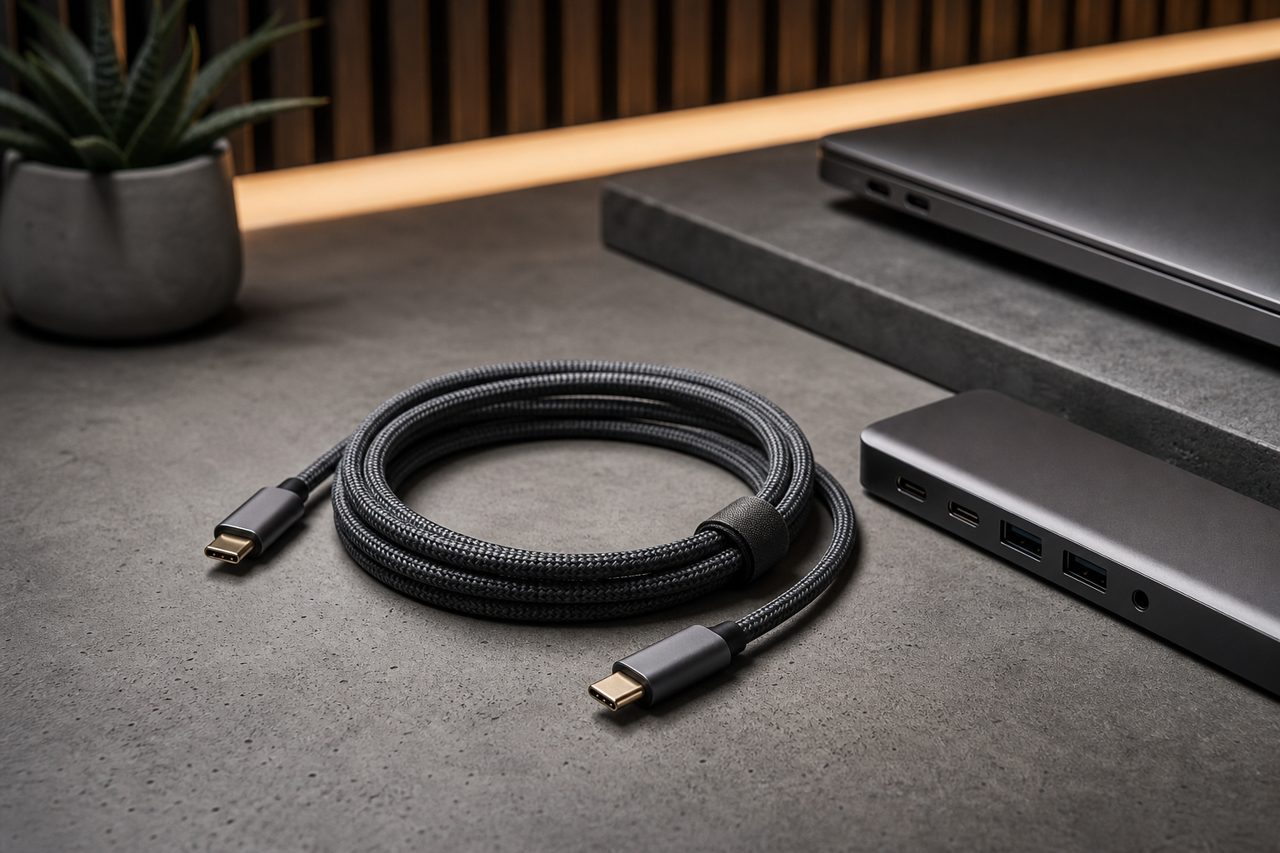
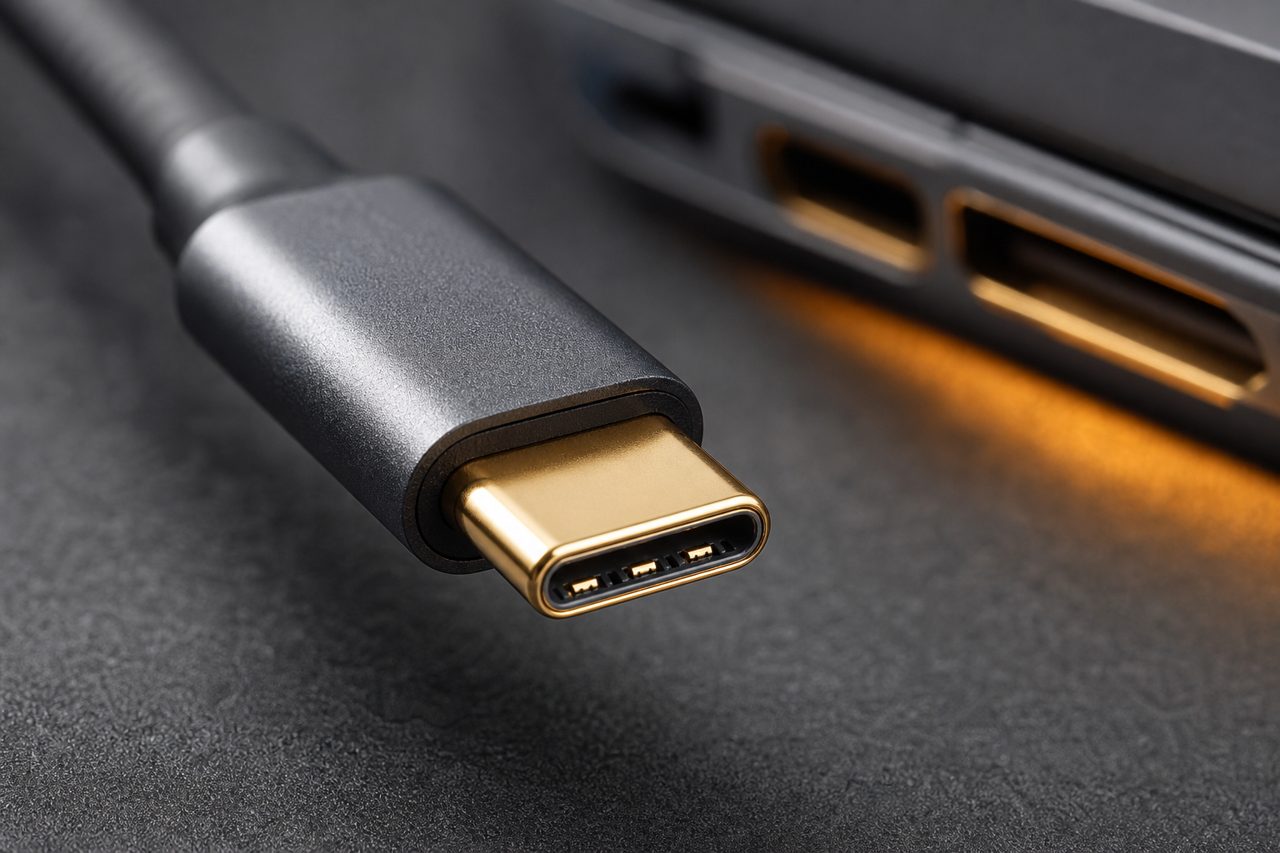
- A cable rated for the same wattage, with an e-marker, in a length that matches the desk, one meter tidy, two meters forgiving.
None of these parts is exotic, and that is the point. The kit-builder's job is to make sure every part holds its own claim: the hub's HDMI truly runs 4K at 60 Hz, the charger holds its rating under a laptop load, the cable's e-marker advertises five amps. A desk kit is only as strong as the weakest promise among its components, and the weakest promise is usually found on the bench, not the spec sheet.
Three kits that cover the demand
The desk-setup audience splits into three wallets, and each maps onto one bundle. Every component below is a standard catalog SKU, which keeps sourcing simple and lets the bundles share inventory.
Kit 1: The Starter One-Cable Kit
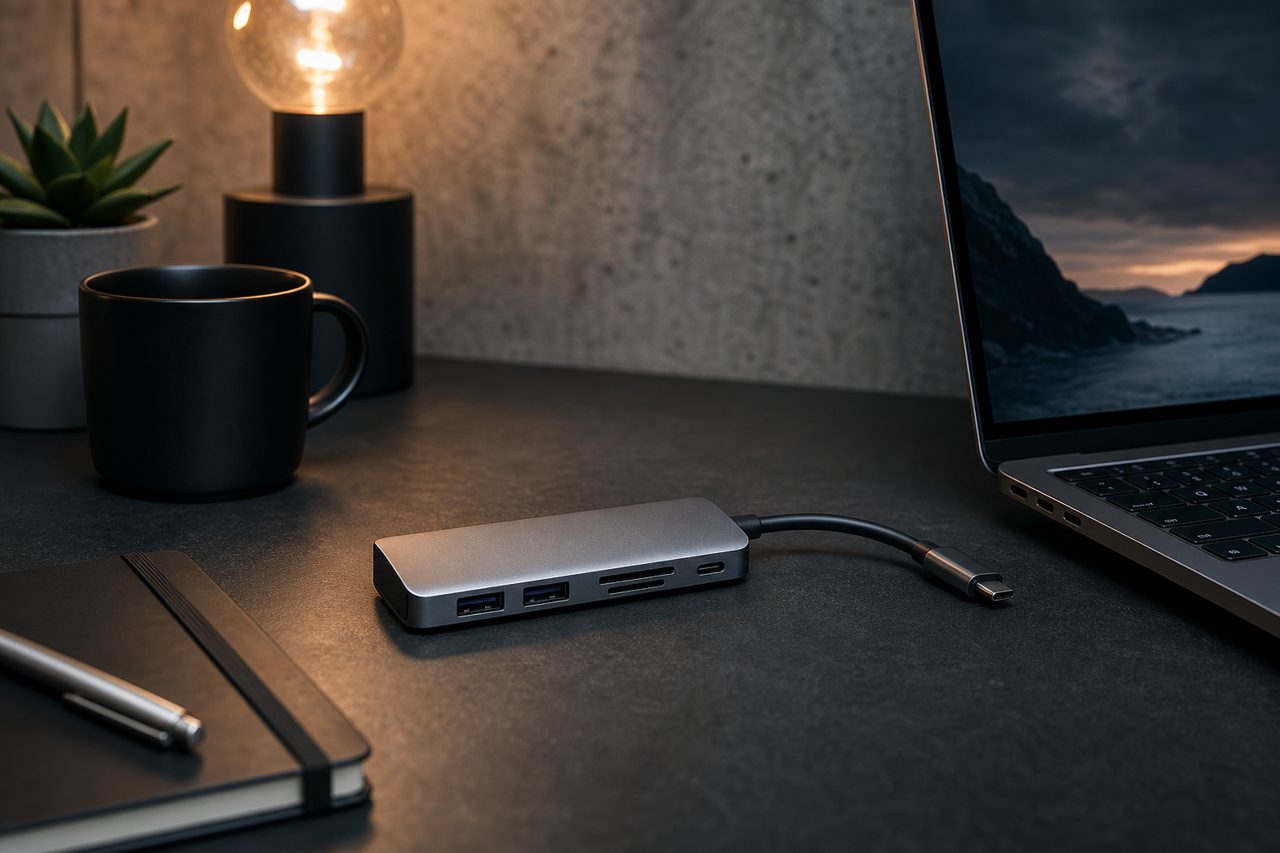
Contents: a 6-in-1 hub with 4K 60 Hz HDMI, two 5 Gbps USB-A ports, SD and microSD slots and 100W passthrough; a 100W GaN wall charger; a one-meter 100W USB-C cable. Buyer profile: the first-time remote worker with one 4K monitor who wants the desk to just work. Listing angle: "one cable to your laptop, everything else behind it." This kit is the volume base, the safest first order, and the one to lead with in search ads.
Kit 2: The Hybrid Office Kit
Contents: an 8-in-1 hub adding gigabit Ethernet and a 10 Gbps USB-C data port to the starter feature set, with dual 4K 60 Hz output for two-monitor desks; a 100W charger; a two-meter 100W cable for desks where the outlet is not under the monitor arm. Buyer profile: the hybrid employee who carries the hub between home and office and needs wired network for calls. Listing angle: "the desk you pack," with a photo of the kit in a laptop sleeve. Ethernet is the quiet upsell; office buyers understand it instantly.
Kit 3: The Desk Upgrade Kit
Contents: a 12-in-1 class dock with dual display output, gigabit Ethernet, UHS-II card slots and audio; a 100W charger; both one- and two-meter cable options. Buyer profile: the permanent home office, content creators who offload cards, and anyone whose desk doubles as a studio. Listing angle: "replace the pile of adapters," with a before-and-after desk photo. This is the ticket-defending tier: buyers read spec sheets closely and reward the ones that disclose Power Delivery retention honestly.
Listing and merchandising playbook
The scene sells; the specs close. Lead images show the setup in use, laptop, one cable, clean desk, and the gallery then proves the claim with the port map and the compatibility note. The copy structure that holds up across all three kits:
- Name the desk, not the ports. "One-cable desk kit for a single 4K monitor" beats "6-in-1 USB-C hub" in the title, with the port list immediately below.
- State the host requirement in plain words. "Your laptop's USB-C port must support charging and video output; check the model before ordering" prevents the mismatch returns that no hub survives gracefully.
- Disclose the charger math. Publish input rating and host-retained wattage, and include the charger so the claim is checkable in one box.
- Photograph the cable. A kit listing where the cable appears in the gallery, with its wattage printed, answers the second most common question before it is asked.
- Price the kit under the sum of parts. The bundle's job is to make the comparison against buying pieces feel like a detour.
Operations: how fast a kit can reach the market
Desk kits are unusually friendly to a staged launch. Every component is a stock item, so the whole assortment can be validated piece by piece through one-piece dropshipping while review data decides which bundle leads. Stock models dispatch within 48 hours, and once a kit proves itself, logo printing and kit-specific retail boxes start at 500 pieces per SKU with samples in 5 to 7 days, which is enough to put a branded kit on the shelf within one reorder cycle. Browse the cables and hubs lineup and the matching charging SKUs to assemble candidate kits, and let the review data, not the catalog instinct, pick the first bundle.
FAQ
What does a laptop need for a one-cable desk setup to work?
Three capabilities on its USB-C port: Power Delivery input so one cable charges it, DisplayPort Alternate Mode so the same cable carries video, and enough data bandwidth for peripherals. Buyers should confirm the laptop model supports all three before purchasing any hub-based kit, and listings should say so plainly.
What should go into a starter one-cable desk kit?
A 6-in-1 hub with 4K 60 Hz HDMI, two 5 Gbps USB-A ports, SD and microSD slots and 100W passthrough; a 100W GaN charger; and a one-meter 100W USB-C cable. That covers a single 4K monitor, keyboard, mouse, storage and full-speed charging for most 13 to 15 inch laptops.
Why sell hubs as kits instead of single products?
A kit answers the buyer's actual question, which is how to make the desk work rather than which hub to buy. Bundling hub, charger and cable raises order value, removes the missing-charger complaint that haunts hub reviews, and gives the listing a scene photo that converts better than a port close-up.