Sourcing SD/CFexpress Card Readers: Speed Grades Decoded
Card readers look like the simplest product in a connectivity catalog and behave like the least forgiving. Every camera generation adds a faster card format, and every mismatch between card, reader and port becomes a bad review that blames the card. This guide decodes the speed grades and turns them into a sourcing checklist.
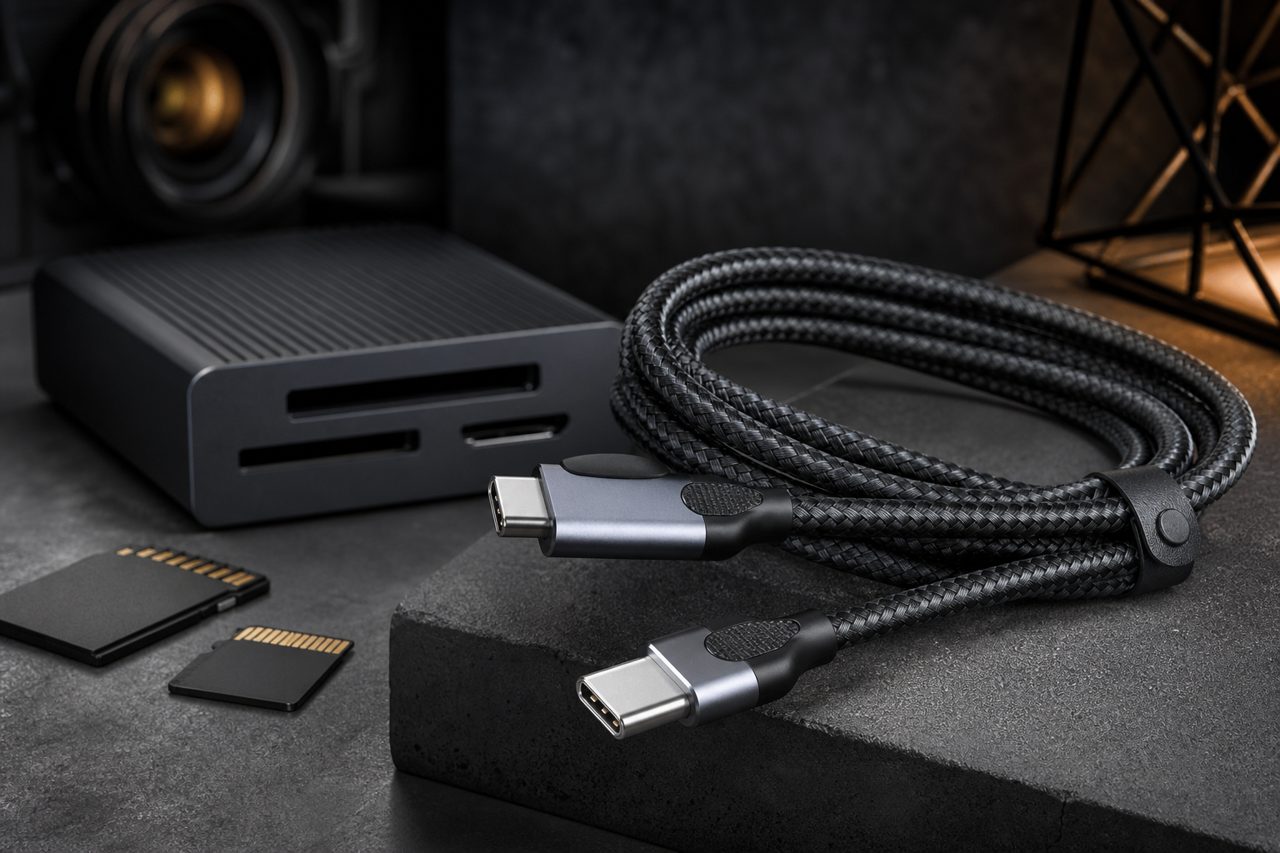
For a reseller, readers have attractive economics: small, light, inexpensive to ship, and bought repeatedly as photographers and video creators accumulate cards and machines. They are also a category where the spec sheet is all of the product. Two buyers looking at visually identical devices may be holding parts that differ by a factor of eight in real throughput, and the difference is invisible until a working professional offloads a shoot. Understanding the speed-grade ladder is therefore not background reading; it is the core competence that decides which SKUs earn five stars and which get returned.
The speed-grade ladder, decoded
SD-card throughput has two layers that buyers constantly conflate, and a sourcing team must keep them separate. The first layer is the card's bus, the physical pathway between card and reader. UHS-I, the oldest bus still common, tops out at about 104 MB/s. UHS-II adds a second row of contacts on the back of the card and raises the bus to about 312 MB/s. UHS-III exists on paper at about 624 MB/s but saw little adoption. The newest step, SD Express, moves the pathway onto PCIe, with generations from roughly one gigabyte per second upward, and it requires an Express-capable reader to activate at all.
The second layer is the speed class printed on the front of the card: V30, V60 and V90 describe sustained write performance in megabytes per second, which matters for video recording, not for offloading. A card can be a V90 recorder and still be read slowly through the wrong reader, because recording class and reader bus are independent properties. Listings that quote "V90 speed" for a reader are borrowing a number that belongs to the card.
CFexpress plays its own game. CFexpress Type B, the format video professionals actually buy, rides PCIe lanes with an NVMe command set, giving current cards read throughput in the 1,700 MB/s class against a bus ceiling near two gigabytes per second. CFexpress Type A, the smaller and slower sibling, sits around the 1,000 MB/s class. The reader for Type B must carry a PCIe-to-USB bridge rated for this traffic; a "CFexpress slot" wired to a slow bridge is the category's classic trap.
The ladder also carries a microSD wrinkle worth writing into listings. The same UHS ratings apply to microSD, and UHS-II microSD exists but remains rare in the field, which means a UHS-I microSD reader is genuinely enough for dashcam and drone users, while full-size UHS-II slots serve the interchangeable-lens camera crowd. Packaging should state which slot carries which contacts, because customers reasonably assume the faster label transfers across both formats and review the product when it does not.
Interface math: the reader cannot exceed its port
The reader's own USB interface sets the outer limit, and the usable numbers are well below the marketing numbers. The table below is the pairing logic every buyer should apply before stocking any reader SKU.
| Reader interface | Usable throughput | Card class it serves well | What it bottlenecks |
|---|---|---|---|
| USB 2.0, 480 Mbps | 35-40 MB/s | Nothing current | Everything; obsolete for photo work |
| USB 3.2 Gen 1, 5 Gbps | About 450 MB/s | UHS-I fully; UHS-II partially | UHS-II ceiling; all CFexpress |
| USB 3.2 Gen 2, 10 Gbps | 900-1,000 MB/s | UHS-II fully; CFexpress B adequately | Top-tier CFexpress burst rates |
| Dual-slot, 10 Gbps | Shared across slots | One card at a time at full speed | Simultaneous dual offload |
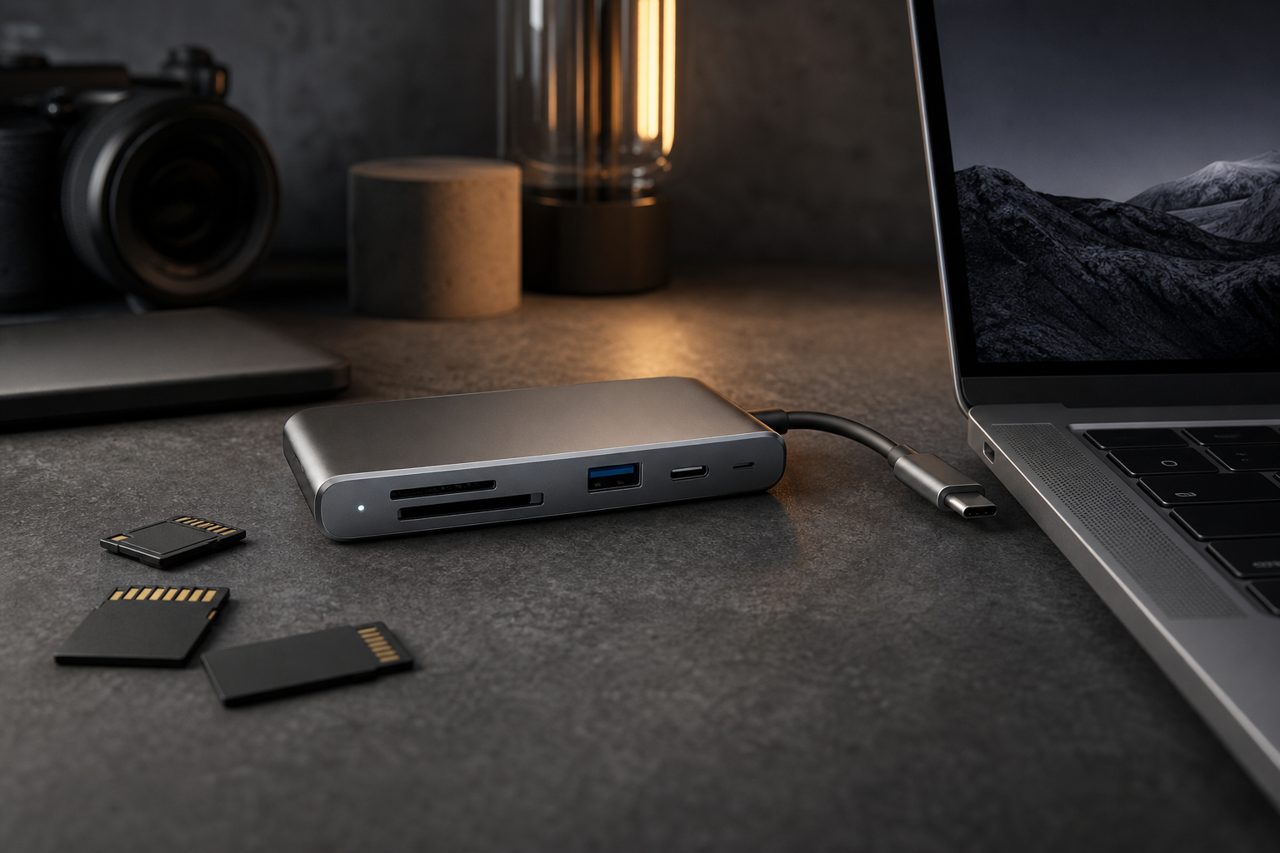
Two pairing rules fall out of the table. First, match the reader to the card, not the price: a UHS-II card in a UHS-I reader runs at 104 MB/s and works, which is precisely why disappointed reviewers say "it just works slowly" rather than "it is broken." Second, match the interface to the card's ceiling with headroom. A CFexpress Type B card deserves a 10 Gbps reader as the honest baseline; anything less turns a two-minute offload into six, and the customer feels every wasted minute.
The verification checklist
Reader claims are easy to print and easy to test. Run every candidate SKU through the same bench sequence before ordering:
- Benchmark sequential read with a large file set, at least 64 GB, rather than a single small file; log the number against the card's class.
- Test sustained transfer, not just burst: copy the full card and record whether speed collapses as the copy proceeds and the reader heats up.
- Load both slots simultaneously on dual-slot models and log how throughput splits.
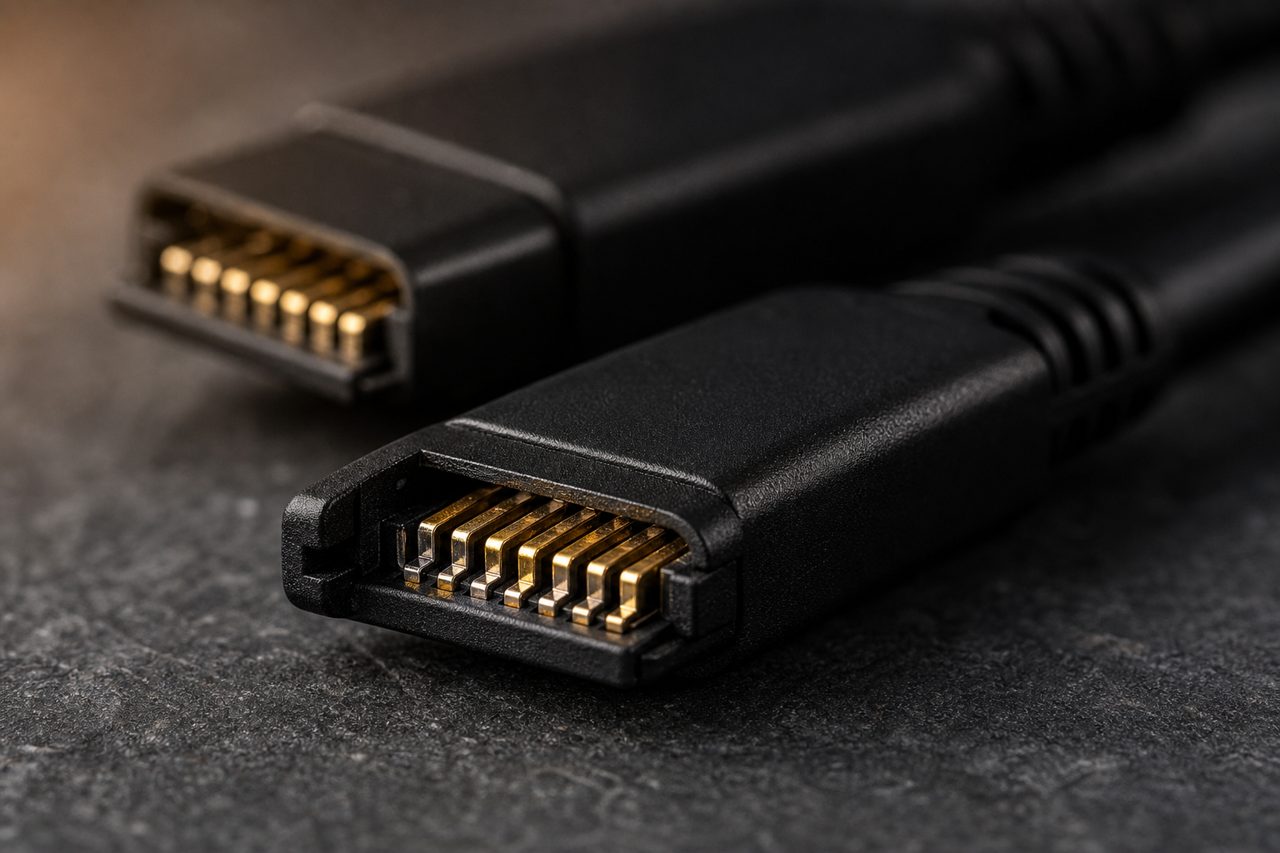
- Verify the UHS-II second contact row physically on SD slots; a polished-looking slot without the second row is a UHS-I part.
- Check the included cable, not just the reader; a 10 Gbps reader shipped with an unmarked 480 Mbps cable is a built-in complaint.
- Test connector retention: card insertion should be positive, and a card that half-seats causes corruption reports.
- Log housing temperature after a full-card transfer; sustained throttling shows up as customer "slow copy" reports.
- Confirm plug-and-play behavior on current Windows and macOS versions with no driver download.
Positioning and sourcing notes
Readers reward a narrow, well-labeled assortment over a wide one. The volume base is a dual-slot SD/microSD reader with real UHS-II contacts on a 10 Gbps interface, which serves photographers, drone pilots and content creators at once. The professional extension is a dedicated CFexpress Type B reader for video work, sold with published tested numbers rather than interface labels. A third slot in the ladder, an SD Express or high-duty dual-format model, only makes sense once review data shows the channel asking for it. Publish the tested megabytes per second next to every listing; it is the single most effective defense against the "slow reader" review, and it costs one bench session per SKU.
Bundles strengthen the attach rate without complicating inventory. A reader boxed with a short 10 Gbps USB-C cable serves the desk-and-laptop buyer in one decision; a reader paired with a small protective case serves photographers whose bags punish loose devices. Both bundles reuse SKUs already in the catalog, which keeps the packaging conversation simple and hands the listing a second line of search coverage at no additional stocking cost.
On the supply side, readers follow the same three-tier logic as the rest of the catalog. Stock models ship one piece at a time, so a new assortment can be validated through dropshipping before capital is committed. Logo printing and retail packaging start at 500 pieces per SKU with samples in 5 to 7 days, and a custom housing under OEM starts at 1,000 pieces per SKU. Dispatch for stock is within 48 hours, and transit damage is covered by photo-verified reshipment within 30 days of delivery. Browse the current cables and hubs lineup to shortlist candidates, then run the checklist above on your own bench before the first bulk order.
FAQ
Will a UHS-II card work in a UHS-I reader?
Yes, but only at UHS-I speed, about 104 MB/s, because the reader never addresses the card's second contact row. Nothing is damaged or lost, but the buyer paid for speed the reader cannot deliver, which is the most common source of disappointed reviews on cheap readers.
What interface does a CFexpress Type B reader need?
A USB 3.2 Gen 2 interface at 10 Gbps is the sensible baseline: it passes close to one gigabyte per second and lets current CFexpress cards, which sit in the 1,700 MB/s class, run near their practical ceiling over one cable. A 5 Gbps reader bottlenecks the same card to roughly half its potential.
How should a new seller position card readers?
Lead with a dual-slot SD/microSD UHS-II reader on a 10 Gbps interface as the volume SKU, add a dedicated CFexpress Type B model for video professionals, and publish tested transfer numbers instead of interface labels. Validate demand with one-piece dropshipping before logo-and-packaging customization at 500 pieces per SKU.