8K Dock Requirements: Bandwidth, DSC and Real Limits
An 8K claim on a dock box is easy to print and easy to disprove. This guide walks through the bandwidth arithmetic, the compression technology that makes 8K possible over current links, the host-side limits no dock can bypass, and the checks that separate listable product from returns.
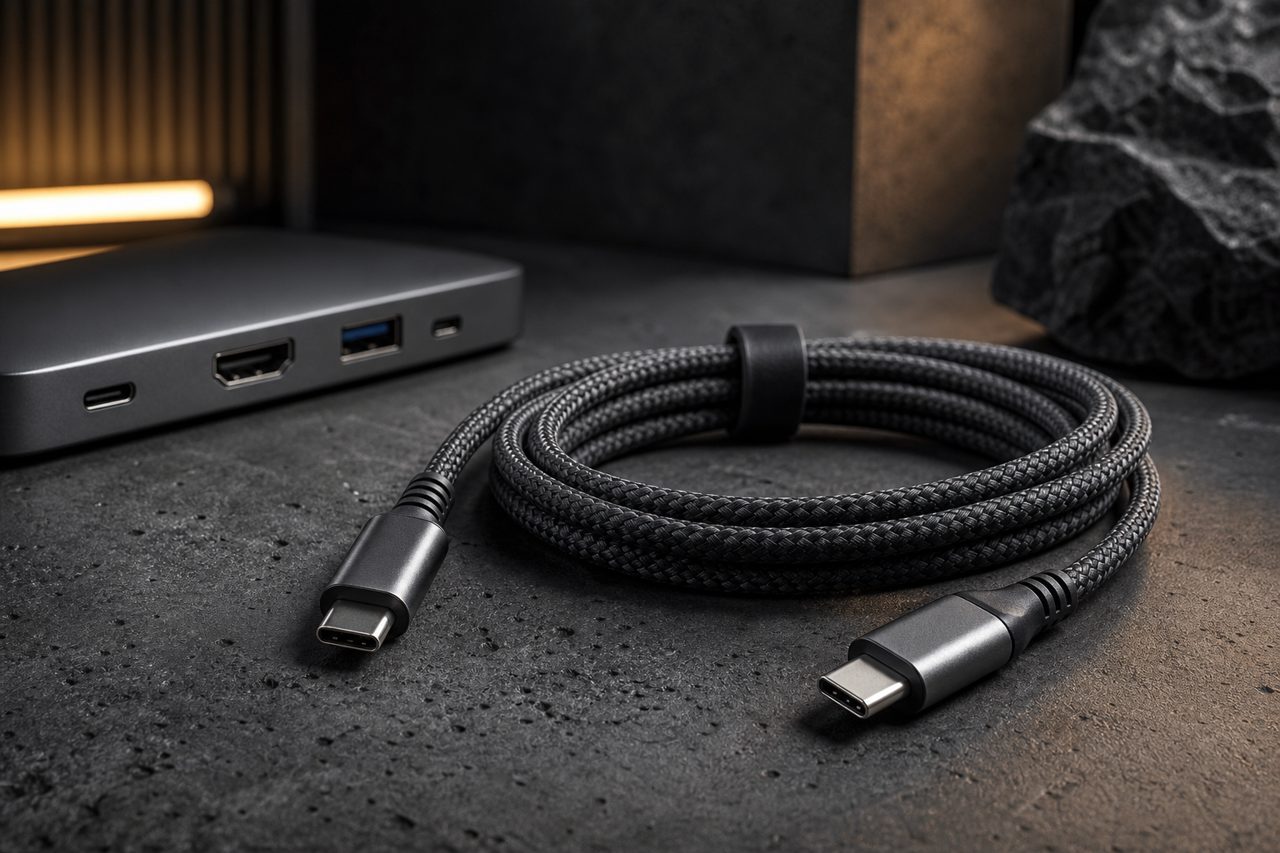
Among docking stations, the 8K label sits at the top of the price ladder, and it is the claim most likely to collapse under a customer's monitor. Inside the wider accessories market, which reached USD 105.5 billion in 2025 (Grand View Research, 2025), display-oriented hubs occupy a small but high-ticket niche: the buyers are discerning, the returns are expensive, and the difference between a good listing and a false one is measured in specification lines. For a reseller, the goal is not to avoid the category but to understand exactly what an honest 8K claim requires before stocking one.
What 8K actually demands
Start with the arithmetic. An 8K frame is 7,680 by 4,320 pixels, four times the pixel count of 4K. At a 60 Hz refresh with 24 bits per pixel, the uncompressed signal runs past 32 Gbps of pure video data once timing overhead is included. No USB-C Alternate Mode link on the consumer market carries that raw, which is the root of every 8K specification discussion.
DisplayPort 1.4 with HBR3 lanes, the video engine inside current docking products, moves about 25.9 Gbps of effective data. The gap between 25.9 and the 32-plus an 8K60 signal needs is closed by compression, which is where DSC enters. Without it, the same link tops out near 8K at 30 Hz, which is a legitimate but very different customer promise. HDMI tells a parallel story: HDMI 2.0 was engineered around 4K and has no practical role in an 8K dock, while HDMI 2.1's 48 Gbps Fixed Rate Link carries 8K60, again with DSC in the path for most product implementations.
Two conclusions follow for anyone building a listing. First, an 8K60 claim without DSC in the video path is not credible. Second, refresh rate and resolution must be printed together; "8K" alone invites a customer who expects 8K60 receiving a monitor negotiating 8K30.
DSC, the enabling technology
Display Stream Compression is a VESA-standard codec built into the DisplayPort and HDMI ecosystems specifically to fit high-resolution video through links that cannot carry it raw. It works line by line, with minimal line-buffer latency, and it is engineered to be visually lossless: the decoded image is designed to be indistinguishable from the source in normal viewing. This is not the lossy compression of streaming video; it is a transport mechanism the display industry adopted precisely because it does not degrade the picture in a way users can see.
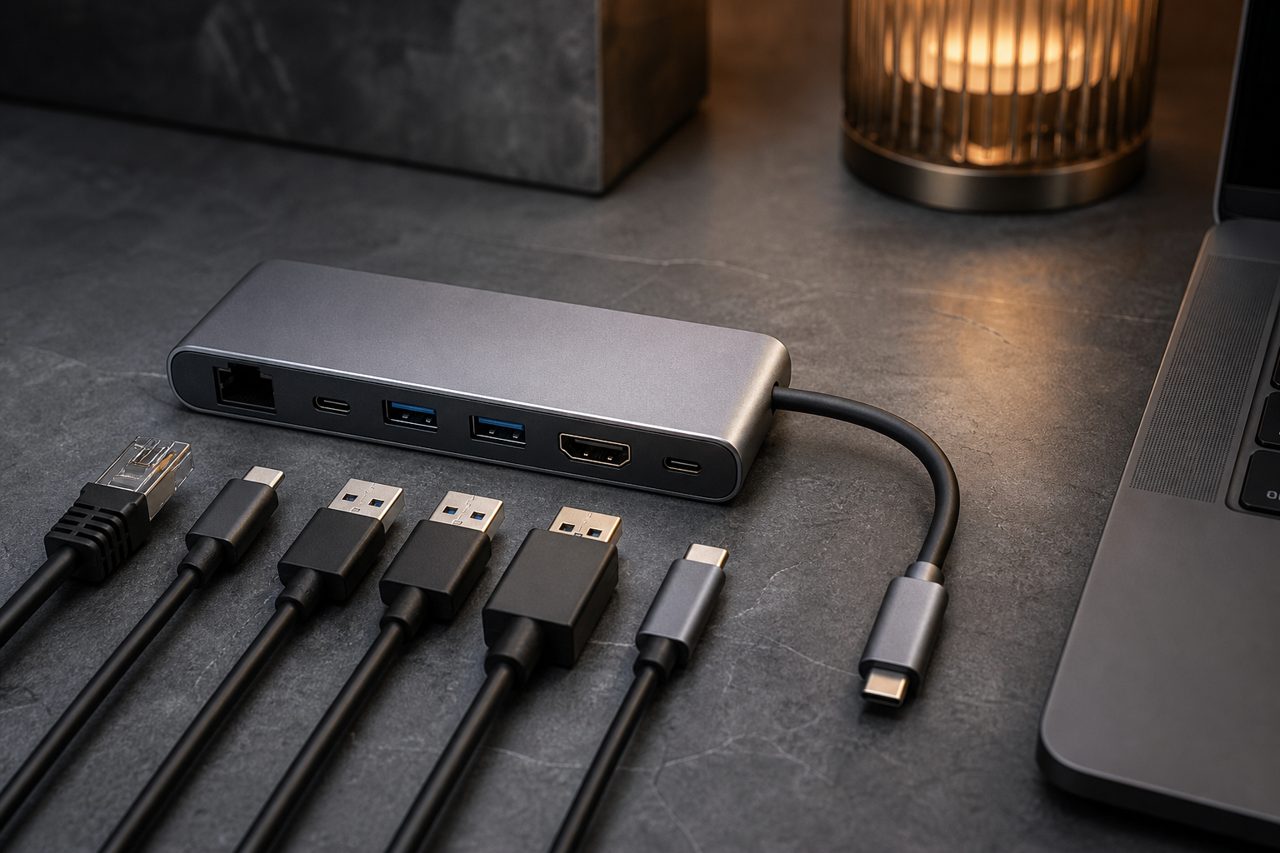
For procurement, DSC has two practical meanings. First, it must appear in the spec sheet of any dock claiming 8K60, and the claim should be validated on a bench with a monitor that reports its incoming signal format. Second, DSC support is a chain: the host GPU, the dock's video path and the monitor all need to agree on it. A single non-supporting element silently renegotiates the link down to a mode everyone supports, and the customer experiences this as "my 8K dock shows 4K."
The host is the gatekeeper
No dock exceeds what the host port provides. Three host classes matter in practice. Ports wired for USB 3.2 data at 5 or 10 Gbps without Alternate Mode carry no video at all, and the most carefully engineered 8K dock attached to them shows nothing. Ports with DP 1.4 Alternate Mode at HBR3 carry a full 8K60-with-DSC stream, and they are the baseline for an honest 8K listing. The 40 Gbps class of USB-C hosts, including USB4 platforms, provides the same video capability plus the bandwidth headroom that keeps a second display, storage and Ethernet responsive while 8K video flows.
This host dependency shapes merchandising more than dock engineering does. A responsible listing includes a short compatibility note naming the host classes that deliver 8K60, the fallback behavior on lesser hosts, and the fact that cable length matters: passive USB-C video cables at HBR3 speeds are reliable at ordinary desk lengths, and longer runs should use rated cables. Buyers who publish these three lines pre-empt the majority of "it does not do 8K" reviews before they are written.
Output targets and what each one requires
The table below condenses the signal requirements into stocking terms. Read it as the minimum a dock must demonstrate on a bench for each claim its packaging makes.
| Claimed output | Link requirement | Host requirement | Dock spec to verify |
|---|---|---|---|
| 8K 60 Hz, single display | DP 1.4 HBR3 with DSC, or HDMI 2.1 FRL | DP 1.4 Alt Mode or 40 Gbps-class USB-C | DSC in the video path; scaler rated for 8K60 |
| 8K 30 Hz, single display | DP 1.4 HBR3, uncompressed | DP 1.4 Alt Mode | Honest refresh-rate printing on the box |
| Dual 4K 60 Hz | DP 1.4 HBR3 plus MST, or dual DP streams | DP 1.4 Alt Mode; macOS limits MST extension | Verified simultaneous dual-stream stability |
| 4K 120 Hz | DP 1.4 HBR3 with DSC, or HDMI 2.1 | DP 1.4 Alt Mode | Refresh printed with resolution, not implied |
| Any video on HDMI 2.0 | 18 Gbps ceiling | Not an 8K path | Do not let listings imply 8K from this port |
A bench checklist before you stock
Eight checks, one afternoon, and every ambiguity in the spec sheet resolved:
- Confirm the test host exposes DP 1.4 Alternate Mode or a 40 Gbps USB-C port.
- Connect an 8K-capable monitor and read back the negotiated format from the monitor's own menu.
- Verify 8K60 end to end and note whether DSC is engaged, using the monitor's signal report.
- Drop the link to an HBR2-class path and record the fallback mode the customer would experience.
- Test dual 4K60 on a Windows host, then on a macOS host, and record both behaviors.
- Load the PD input to its rating while 8K video runs, and confirm the video link does not renegotiate.
- Sleep and wake the host; confirm the 8K link re-establishes without replugging.
- Repeat the video tests with the cable the package includes, not only a reference cable.
Positioning an honest 8K line
Not every catalog needs an 8K dock, and the honest sizing question is who the customer is. Video professionals with 8K monitors are few and demanding; the larger addressable group is buyers who pay for headroom, dual 4K60 workstations and future-proofing, and who read spec sheets closely enough to punish vagueness. Stock one well-verified 8K-capable dock rather than a range, print resolution and refresh rate together everywhere the product appears, and keep the compatibility note visible from the listing title onward. For the supplier side, docks are a category where engineering files and sample iterations matter, so treat the first order as a validation step: review the hubs and docks lineup, run the checklist above against samples, and scope custom housing or branding through the OEM/ODM process once a model has passed on your own bench. Stock models dispatch within 48 hours, so the validation loop costs days, not weeks.
FAQ
Can a 10 Gbps USB-C host drive an 8K display through a dock?
No. The video path needs a DisplayPort Alternate Mode link with HBR3-class bandwidth, or a 40 Gbps host carrying the same signal. A data-only 10 Gbps port cannot transport an 8K stream regardless of the dock attached, which is why host capability is confirmed before the product is listed.
Does Display Stream Compression reduce image quality?
DSC is a VESA-standard method engineered to be visually lossless: the decoded output is designed to be indistinguishable from the uncompressed source in normal viewing. It is the mechanism that fits 8K60 into a DP 1.4 link, and effectively every 8K-class dock on the market relies on it.
What should a buyer verify before stocking 8K docks?
Four things: the target host's port capability, DSC support in the dock's video path, the true HDMI version on HDMI outputs, and behavior under combined load with Power Delivery active. Stock models dispatch within 48 hours, so this validation loop takes days rather than weeks.